
Top 5 Ansys Alternatives Software 2026


Finding thermal and CFD simulation software that balances cost, access, and features for engineers and research teams is difficult. Many commercial options demand high license fees, require on-premise hardware, or limit free access for small teams and students. This review compares price, access models, and workflow features across five alternatives to Ansys so engineers can choose a tool that fits both project scope and budget.
Table of Contents
Jewlz Technologies Thermal Management Solutions
At a Glance
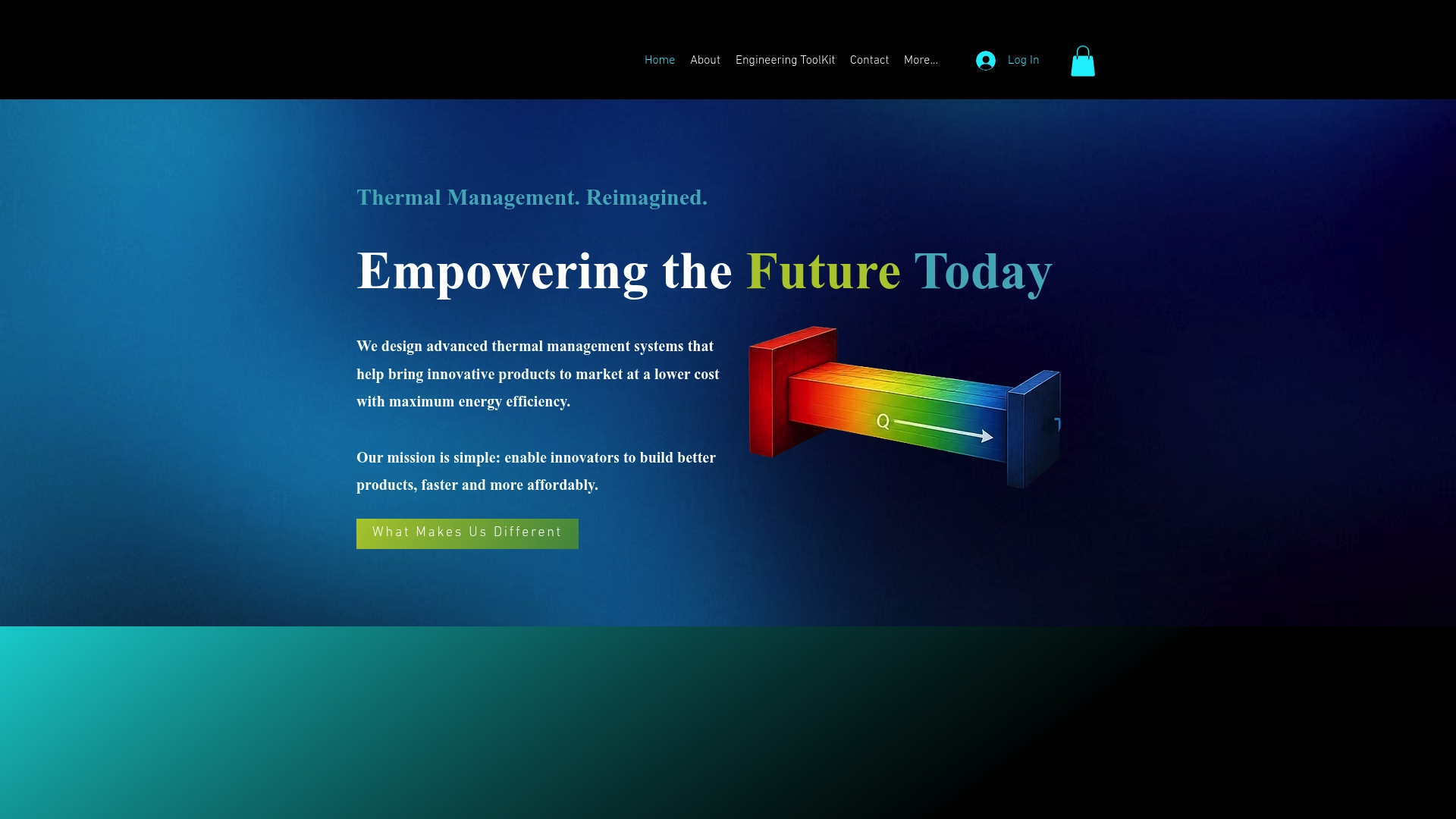
Jewlz Technologies publishes a free engineering toolkit that covers conduction, convection, and radiation in one package. The toolkit includes a built-in property database and supports variable material properties across a wide temperature range. Engineers report the toolkit helps reduce physical prototypes by letting them test thermal concepts quickly.
Core Features
The toolkit combines an all-in-one thermal analysis toolkit for conduction, convection, and radiation with support for multiple heat transfer modes and variable material properties. A built-in property database speeds model setup and reduces lookup errors during early design iterations. The tool targets thermal design tasks from electronic cooling to energy infrastructure component analysis.
Key Differentiator
The single biggest distinction is the combination of engineering-grade calculations with a built-in material property database. That setup removes a common bottleneck where engineers must import or manually enter material tables. For many projects this saves setup time and reduces iteration cycles during thermal sizing and validation.
Pros
Access is free, which lowers the barrier for students and small R&D teams testing thermal concepts. The calculations are described as engineering-grade and include variable material properties and wide temperature range handling for more realistic simulations. The toolkit fits both electronics cooling and larger energy infrastructure tasks, so you can reuse the same environment across product classes. The built-in database and multi-mode heat transfer support simplify model setup and cut repeated manual work.
Cons
Website pages for pricing, features, integrations, products, and use cases return errors, limiting access to advanced documentation and support details.
Who It’s For
This toolkit suits engineers and product developers who need accurate thermal calculations without buying a commercial solver. It matches R&D teams working on electronic cooling, thermal subsystems in energy infrastructure, and engineering educators needing a hands-on analysis tool. Users should have basic thermal analysis knowledge to get full value from the interface.
Unique Value Proposition
The presence of a built-in property database lets your team skip manual material table entry and start solving heat transfer problems faster. That reduces time spent on data cleanup and lets you focus on boundary conditions, geometry, and sensitivity tests. For small teams, that workflow change can shorten early-stage validation and lower prototype count.
Real World Use Case
An R&D engineer models heat flow through a new PCB module using the toolkit to compare cooling strategies. The engineer swaps material sets and runs conduction and convection cases in one environment. The result is fewer physical prototypes and clearer guidance for heatsink selection before committing to tooling.
Website: https://jewlztech.com
COMSOL Multiphysics
At a Glance
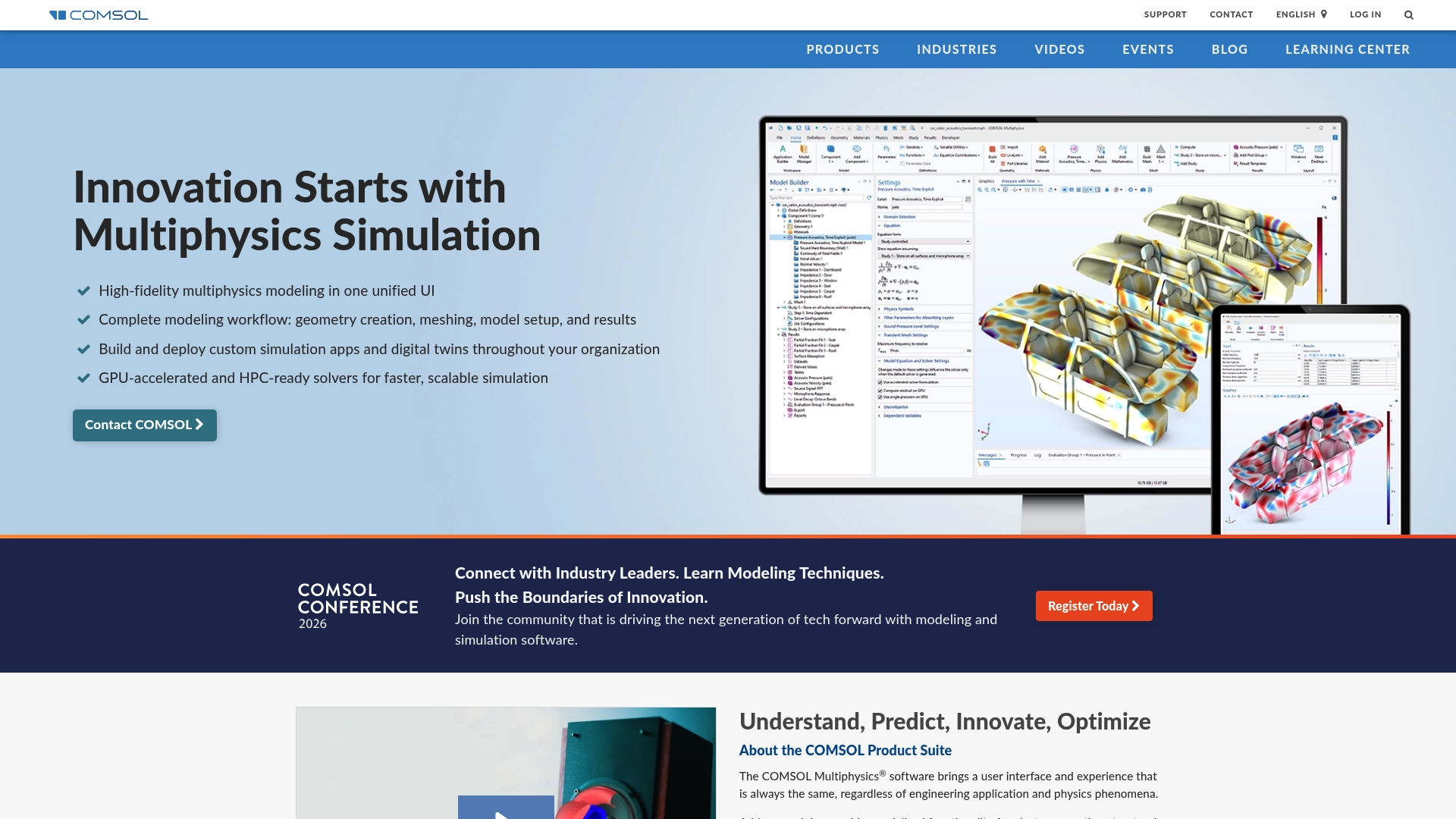
GPU-accelerated and HPC-ready solvers power coupled multiphysics simulations across thermal, electrical, and structural domains. The platform combines model creation and app deployment in one package. Engineers use those capabilities to run larger coupled models and share results across teams.
Core Features
COMSOL provides a unified multiphysics modeling environment that covers geometry, meshing, setup, solvers, and visualization in a single interface. The suite includes Model Builder, Application Builder, and Model Manager to create models, wrap them as apps, and manage projects for teams. Add-on modules extend physics coverage to electromagnetics, structural mechanics, acoustics, fluid flow, heat transfer, and chemical engineering.
Key Differentiator
A single environment ties model creation to app deployment and project management, letting you convert detailed simulations into usable simulation apps for colleagues. That workflow shortens handoffs between simulation specialists and application users while keeping the same underlying physics and solvers.
Pros
COMSOL Multiphysics delivers strong multiphysics coupling, which lets you simulate interacting thermal, electrical, and mechanical effects within one study. The interface reduces context switching by keeping geometry and physics setup alongside results visualization and postprocessing. Extensive tutorials and community examples speed learning for common workflows, and broad CAD compatibility helps integrate the tool into existing design pipelines. High customization and scripting let specialists automate complex study sequences and build bespoke simulation apps for other teams.
Cons
Licensing costs are high and may put the tool out of reach for many small teams or individual researchers.
Large or tightly coupled models demand substantial hardware, so workstation and cluster needs can increase project budgets.
Advanced features have a steep learning curve, and support responsiveness can vary between regions.
When It May Not Fit
If your group runs mainly lightweight parametric studies on laptops, the combination of licensing expense and hardware requirements makes COMSOL a poor match. Small teams without dedicated simulation engineers will find the learning curve and maintenance overhead heavy. Organizations that need quick turn up with minimal IT involvement should look at simpler, lower-cost solvers instead.
Who It’s For
Researchers, product engineers, and simulation specialists who need detailed multiphysics modeling and the ability to convert models into deployable apps will gain the most. Academic groups running classroom labs and departmental research also benefit from the module-driven licensing. Teams that plan to run large coupled studies and use HPC will find the platform appropriate.
Real World Use Case
A battery pack developer modeled heat transfer, electrical distribution, and mechanical stress within a single COMSOL study to identify hot spots under charge and mechanical load. The team wrapped the model as an application so systems engineers could run sensitivity checks without modifying the core model. That approach reduced iteration time between simulation and design decisions.
Pricing
COMSOL uses a licensed model with enterprise and academic licensing options. Costs vary by module selection, number of seats, and scale of HPC deployment. For an accurate quote you must contact sales and specify the modules and deployment size you require.
Website: https://comsol.com
SimScale
At a Glance
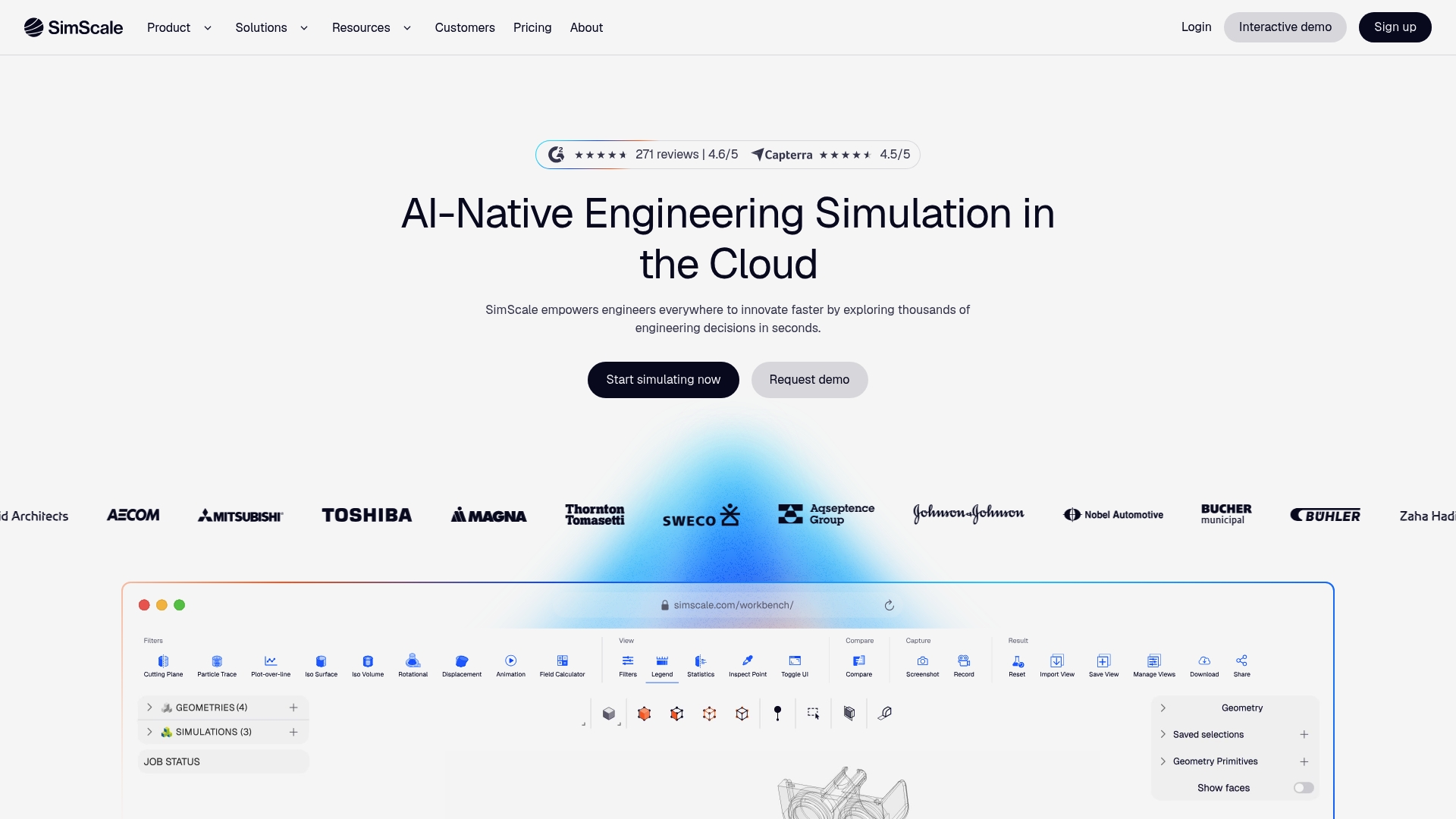
According to the company, SimScale brings AI driven automation to browser based engineering simulations, letting teams run physics workstreams without local high performance hardware. The platform pools compute in the cloud and exposes tools for CFD, FEA, thermodynamics, and electromagnetics. That approach shortens setup and lets collaborators share versions and results from any device.
Core Features
SimScale provides cloud simulation access via a web browser and a unified environment for multiple physics domains, including CFD and structural analysis. The platform layers Physics AI and Engineering AI to offer instant predictive modeling and automated orchestration of common workflows. Teams can collaborate in real time, share projects, and extend workflows with an open API for custom automation.
Key Differentiator
The vendor positions AI powered automation as the central differentiator, coupling predictive models with workflow automation inside a cloud native environment. That claim focuses on reducing manual setup and repetitive runs for parametric studies. For teams that value browser based access plus automated simulation chains, that approach shortens iteration cycles.
Pros
The platform removes the need for powerful local workstations by running simulations in the cloud, which lowers hardware overhead for teams. The interface is approachable for engineers with basic CFD or FEA knowledge, while parallel cloud processing handles larger jobs. Support responsiveness and an active user community make troubleshooting faster. The open API enables custom integrations and scripted pipelines for repeated studies.
Cons
Limited advanced post processing capabilities compared to dedicated desktop CAE tools. This can force users to export results for high end visualization and analysis.
Occasional server or connectivity issues can impact long runs and transfers of large result sets. Large complex simulations may require retries.
Setting up very complex models still requires foundational CAE knowledge. Beginners will face a learning curve on meshing and boundary conditions.
When It May Not Fit
If your workflow depends on deep, desktop class post processing or specialized visualization, SimScale may not meet that need. Very large scale simulations that demand sustained local compute might suffer from network interruptions. Organizations that require offline, locked down environments will find browser based access a poor fit.
Who It’s For
Engineering teams and instructors who need accessible, collaborative simulation without heavy local hardware investments will find value. Product groups that run many design iterations and want automated parametric comparisons benefit from the AI driven workflows. Small to midsize teams that prefer subscription access over perpetual desktop licenses match the product profile.
Real World Use Case
A manufacturing firm uses SimScale to evaluate airflow across prototype enclosures and to compare fan placements. The team runs multiple design variants in parallel in the cloud and shares results with mechanical and thermal engineers. That practice reduced the number of physical prototypes and shortened validation cycles.
Pricing
The vendor does not publish fixed tier prices in the product data. Pricing follows a subscription model and is quoted by plan or usage, so you must contact sales for a tailored quote. Trial options and academic pricing are commonly available through the vendor site.
Website: https://simscale.com
Vanellus GPU-native thermal simulation
At a Glance
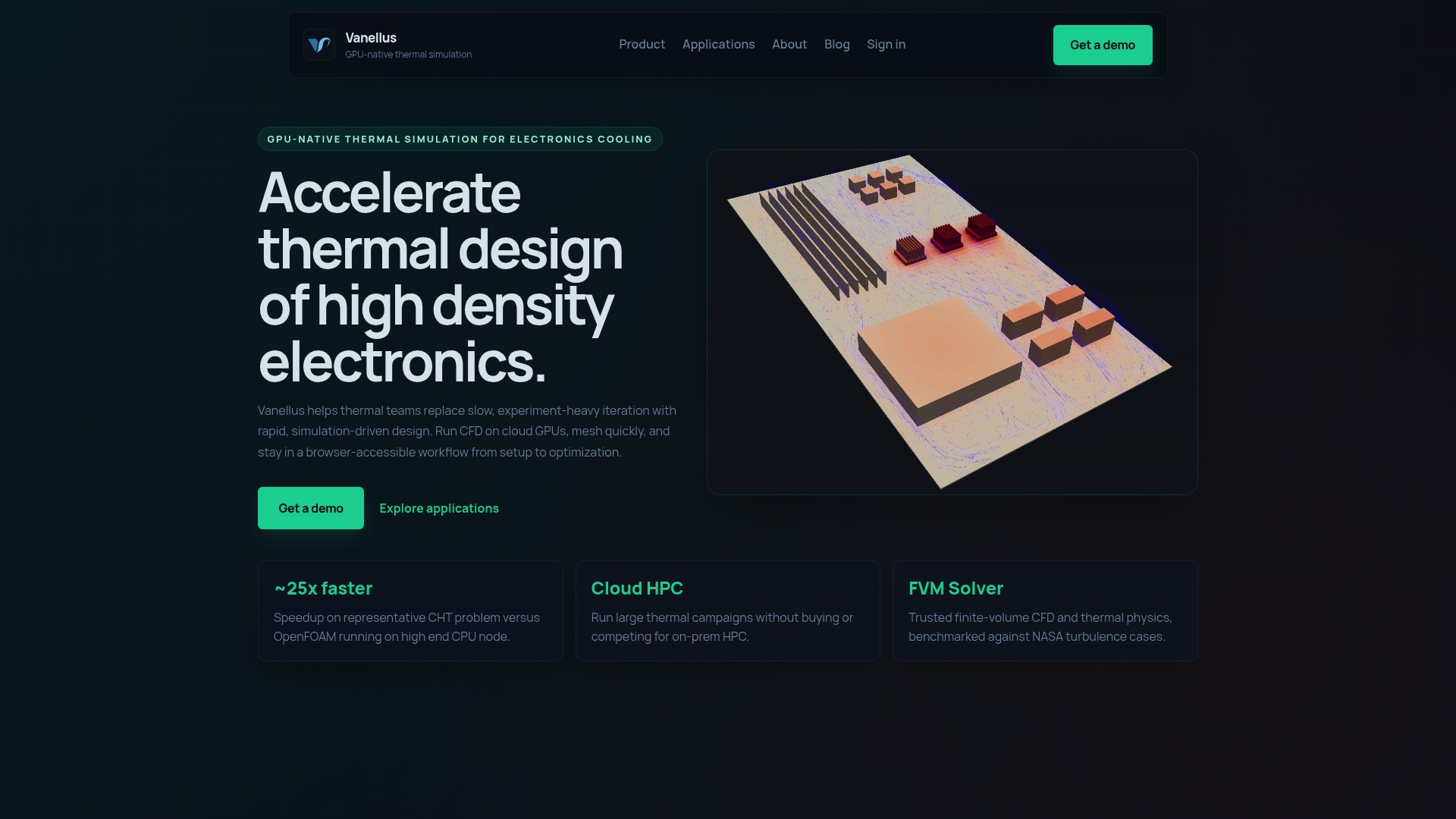
Vanellus reports a speed up of about 25x versus OpenFOAM on CPU nodes for conjugate heat transfer problems. That figure targets thermal teams who need many iterations fast. The product pairs a high-performance cloud GPU solver with a browser interface to move geometry setup through optimization without local HPC.
Core Features
Vanellus automates mesh creation for PCB and CAD geometries and supports live remeshing when you modify a model during setup. The platform uses a cloud GPU solver optimized for thermal physics and finite volume CFD to handle conjugate heat transfer. Users access a collaborative, browser based workflow that covers setup, boundary conditions, and design exploration.
Key Differentiator
Vanellus was built to run directly on high power GPUs rather than ported CPU solvers. That architecture aims to shorten run times for electronics cooling cases and to let teams run large thermal campaigns on cloud infrastructure instead of buying on premise HPC.
Pros
The platform delivers fast simulation cycles by using cloud GPUs and automated meshing, which reduces the time engineers spend preparing models. The browser based environment lowers the barrier for teams that lack specialist meshing skills and helps cross functional reviewers run checks. High fidelity finite volume CFD focused on electronics cooling improves confidence in thermal trends during design exploration. The combined effect reduces prototype iterations and helps engineering teams iterate designs more often without higher local compute costs.
Cons
Specific third party review summaries did not note key weaknesses, so user reported disadvantages are not available.
The product depends on cloud GPU availability and internet connectivity, which can affect project timing when cloud capacity is constrained.
Limited public information on integrations and APIs makes it unclear how easily Vanellus fits into existing engineering toolchains.
When It May Not Fit
If your workflow requires guaranteed offline execution, Vanellus may not fit because it relies on cloud GPU resources and network access. Teams that need deep programmatic integration with custom CAD or PLM systems will find integration details sparse. Organizations that operate strict air gapped networks or have fixed on premise HPC investments may prefer an on site solver instead.
Who It’s For
Thermal engineers and product designers working on dense, high performance electronics will benefit most. Teams designing server blades, AI servers, or automotive control modules gain the most from faster iteration. Groups without dedicated on premise HPC but with regular internet access will see the largest workflow gains.
Real World Use Case
An electronics cooling group used Vanellus to evaluate several server blade layouts. Engineers ran multiple design iterations on cloud GPUs and refined airflow passages between runs. The process lowered prototype count and shortened the design review cycles.
Pricing
Not applicable. The vendor lists pricing as informational only, and no public pricing tiers are published. Contact the vendor for quotes and cloud compute options.
Website: https://vanellus.tech
SU2
At a Glance
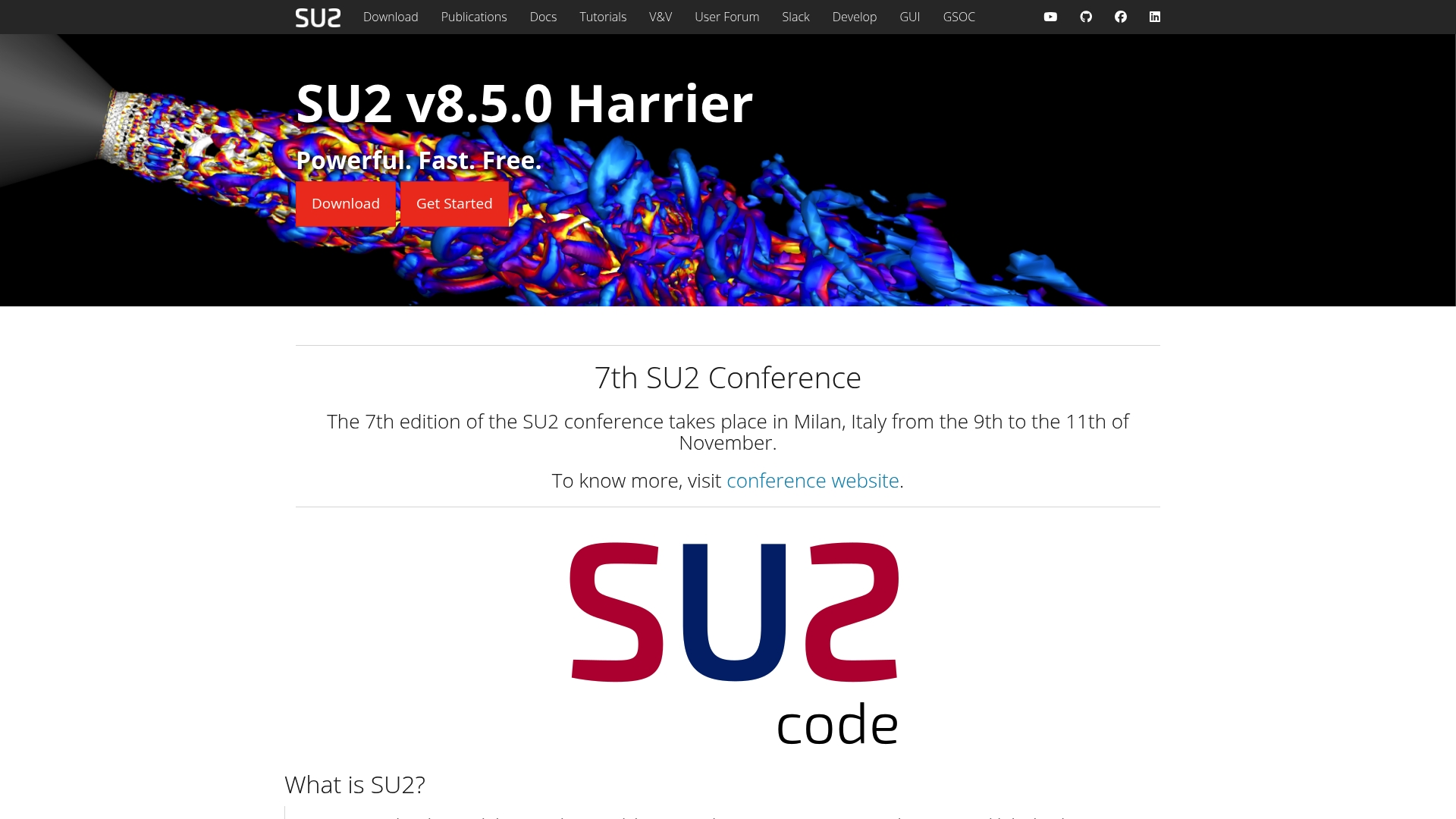
Distributed under the LGPL 2.1 license, SU2 gives full source code access in C++ and Python. That open source model supports PDE-constrained optimization and multiphysics analysis for aircraft, automotive, ship, and renewable energy work. Active global development and the SU2 Foundation back the project with documentation and test cases.
Core Features
Built in C++ and Python, SU2 handles multiphysics flows and optimization workflows with solvers tuned for unstructured meshes. The project provides tutorials, test cases, and documentation that support learning and validation. Users can extend or inspect solvers directly since full source access is available under the license.
Key Differentiator
What sets SU2 apart is its open source nature and an active support network maintained via the SU2 Foundation. That model turns the codebase into a scientific research platform where engineers can modify algorithms and reproduce published results. The combination of source access and community governance favors experimental development and academic work.
Pros
SU2 is free to use and modify under LGPL 2.1, which lowers entry barriers for students and research teams. Community-driven development brings frequent updates, peer-reviewed test cases, and community support channels for troubleshooting and method discussion. It covers CFD and optimization tasks across aeronautical, automotive, ship, and renewable energy problems, which keeps toolsets relevant to many projects. Access to source code lets engineers implement custom physics, add solvers, and validate numerical methods against published cases.
Cons
Discrete adjoint functionality is not present in binary distributions, limiting optimization work without building from source.
Installation and compilation require technical skills, particularly on Windows where precompiled packages are less common.
Organizations that require commercial support contracts or proprietary licenses will likely need a different vendor solution.
When It May Not Fit
Avoid SU2 if you need ready-made binaries with discrete adjoint solvers off the shelf. Also skip it when your team lacks experience compiling scientific C++ or managing build toolchains on multiple platforms. Companies seeking guaranteed commercial support or a proprietary license will find SU2 does not provide that model.
Who It’s For
Research scientists, CFD engineers, and graduate students who need source-level control will gain the most from SU2. Academic groups who teach numerical methods will find the tutorials and test cases directly useful for coursework. Small engineering teams that can handle compilation and customize solvers can adopt SU2 without licensing costs.
Real World Use Case
An aerodynamics team can run Reynolds-averaged Navier-Stokes simulations on an aircraft wing using SU2’s solvers. They can then use PDE-constrained optimization to tweak the wing shape and reduce drag while keeping lift targets. Because the team can modify solver code, they can add custom boundary conditions and reproduce academic results.
Website: https://su2code.github.io
Comparison of alternatives
Evaluating these engineering simulation platforms reveals distinct advantages depending on project complexity, budget constraints, and team requirements.
Accessibility and Cost
Jewlz Technologies provides a compelling proposition by offering its toolkit for free, eliminating entry costs. This advantage caters to smaller R&D teams and students testing thermal concepts on basic systems. In contrast, COMSOL Multiphysics utilizes a modular licensed model with pricing tailored to large-scale projects, making it more suitable for established organizations with defined budgets. SimScale grants cloud-based simulations through subscriptions, bypassing the need for high-performance local hardware, but occasionally faces technical setbacks affecting continuity. Vanellus focuses on GPUs for rapid computation but demands internet access, limiting suitability for offline tasks. Lastly, SU2, as an open-source alternative, invites teams capable of managing its technical setup yet lacks immediate commercial support.
Engineering Depth and Flexibility
In terms of simulation breadth, COMSOL Multiphysics leads due to its multiphysics capabilities, including thermal, structural, and electromagnetic analyses. This breadth enables complex coupled studies with high fidelity, making it ideal for multidisciplinary teams. On the other hand, Jewlz Technologies emphasizes a targeted toolkit for thermal analysis, presenting an intuitive user experience enhanced by a built-in materials database. SimScale’s cloud architecture supports lightweight tasks and collaboration-friendly workflows, while Vanellus excels in electronic cooling through rapid GPU-driven computation. Academic and experimental users often favor SU2 for its capacity to tailor algorithms to unique research needs.
Best fit
Budget-conscious teams prioritizing flexibility benefit from Jewlz Technologies because it provides advanced thermal simulation features without licensing costs.
Teams focusing on multiphysics studies gain value from COMSOL Multiphysics due to its integrated environment supporting extensively coupled simulations.
Groups requiring rapid parametric runs for iterative design find benefits in SimScale’s cloud-native engineering simulations.
Researchers needing source code access for custom algorithm development should explore SU2 given its open-source nature and academic community support.
Our pick
Jewlz Technologies stands out for teams needing straightforward thermal analysis with reduced manual setup overhead. Its free-access model, combined with an integrated property database, removes traditional barriers, enabling streamlined workflows for small-scale engineering calculations. However, for extensive multiphysics coupling or enterprise-level simulation, COMSOL Multiphysics remains for handling diverse domains under collaborative project management.
The comparison below evaluates notable thermal and simulation software solutions, focusing on their core features and user fit.
Product | Core Feature | Best For | Pricing | Limitation |
Jewlztech | All-in-one thermal analysis toolkit | Engineers requiring thermal calculations | Free | Limited website documentation availability |
COMSOL | Unified multiphysics modeling environment | Advanced coupled multiphysics simulation | Price not published | High licensing costs |
SimScale | Browser-based collaborative simulations | Teams preferring cloud computing | Price not published | Limited advanced post-processing capabilities |
Vanellus | Cloud GPU solver for thermal physics | Electronics cooling and design iterations | Not offered | Dependency on cloud GPU availability |
SU2 | Open source multiphysics and optimization | Research and academic CFD analysis purposes | Free | Requires technical expertise for installation |
Facing Challenges With Ansys Alternatives for Thermal and CFD Simulations
Choosing the right Ansys alternative often means balancing accuracy, ease of use, and cost. Teams working on thermal management, electronic cooling, or pressure vessel design need software that offers reliable calculations without complex setup or high licensing fees. Jewlztech addresses these key concerns by providing free engineering tools for thermal simulation, CFD, and pressure vessels, supported by a built-in material property database. This feature reduces time spent on data entry and accelerates early design validation.
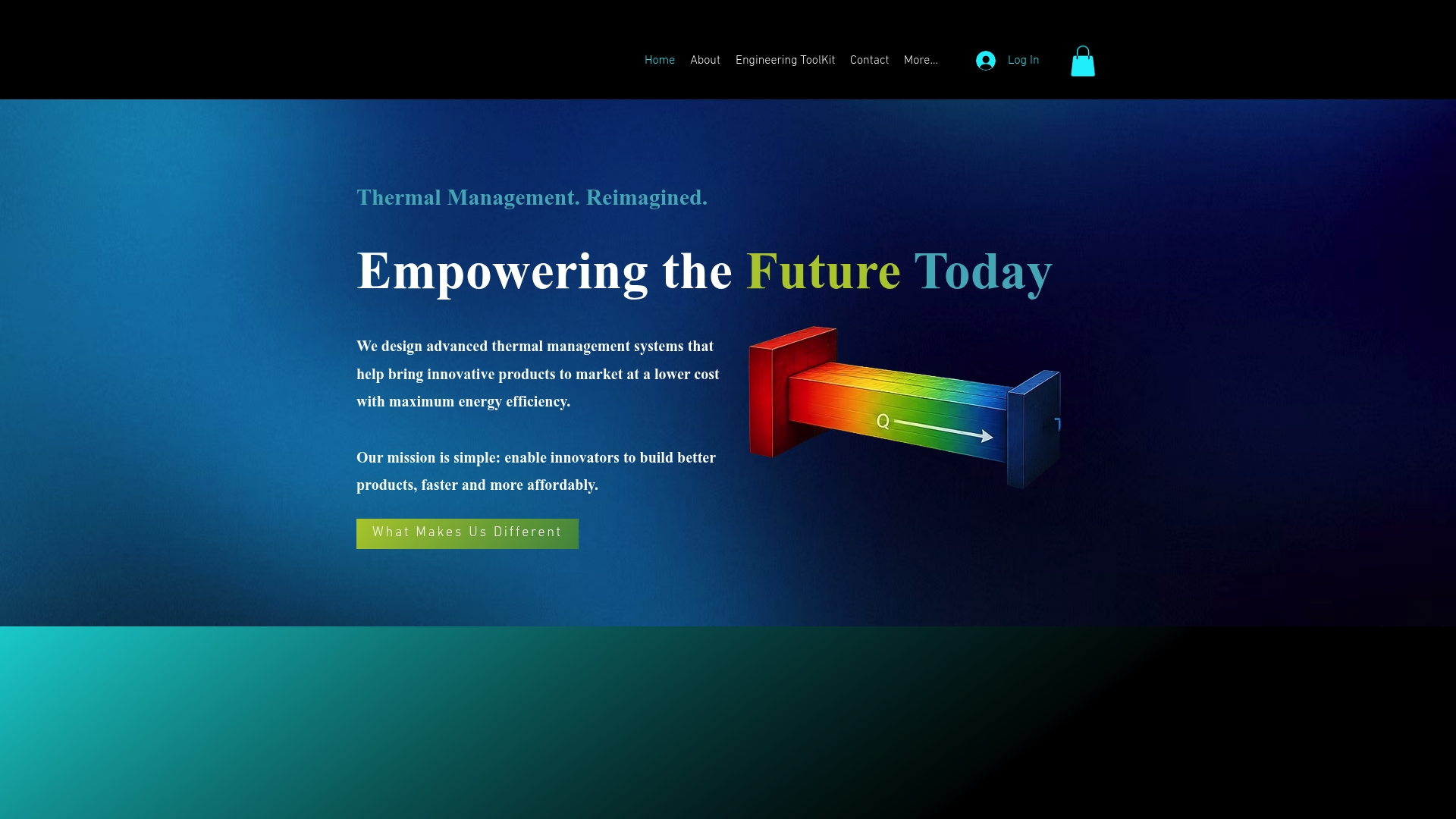
Explore how Jewlztech’s solutions help engineers and product developers test thermal concepts fast and cut down physical prototypes. Visit All Products | Jewlz Technologies to access the free toolkit and start improving your thermal analysis workflow today. Learn more about Jewlztech at https://jewlztech.com.
FAQ
How does Jewlztech support thermal simulations for electronic cooling?
Jewlztech offers an all-in-one thermal analysis toolkit that covers conduction, convection, and radiation. This toolkit allows engineers to perform realistic simulations with variable material properties across a wide temperature range. Users can expect quick iterations and reduced physical prototypes during the designing phase.
What is the difference between COMSOL Multiphysics and Jewlztech?
COMSOL Multiphysics excels in multiphysics coupling, allowing users to simulate interacting thermal, electrical, and mechanical effects within one study. Jewlztech, on the other hand, is better suited for foundational thermal analysis tasks, providing a more streamlined experience specifically for thermal design without the need for extensive modeling setups.
Which platform is best for academic purposes: Jewlztech or SimScale?
Jewlztech is free to use, making it an ideal choice for students and small R&D teams testing thermal concepts. SimScale, while offering browser-based access and AI-driven automation, may not be as accessible for academic purposes due to its subscription model. Educational teams can start with Jewlztech to get hands-on analysis without financial commitment.
Can I run multiple design iterations on Jewlztech?
Yes, Jewlztech supports multiple heat transfer modes, allowing engineers to explore various thermal concepts simultaneously. This feature simplifies experimentation and helps teams optimize designs faster, reducing the need for multiple physical prototypes.
What features make Jewlztech a good option for R&D teams?
Jewlztech includes a built-in property database and seamless multi-mode heat transfer support, enabling efficient model setups. R&D teams can experience significant time savings with less manual data entry and faster iteration cycles during thermal validation.
Recommended
Comments