
Top 5 Pressure Vessel Design Software Alternatives 2026

Updated: Aug 27
Choosing pressure vessel design software that matches engineering needs, code requirements, and workflow scale wastes time and budget when tools are misaligned. Many mainstream programs lock critical code support or collaboration features behind high training costs, unclear pricing, or require enterprise scale deployment. This comparison shows which alternatives cover key standards, pricing, and documentation needs so engineering and design teams can select a pressure vessel tool with less risk.
Table of Contents
Jewlz Technologies Thermal Analysis Toolkit
At a Glance
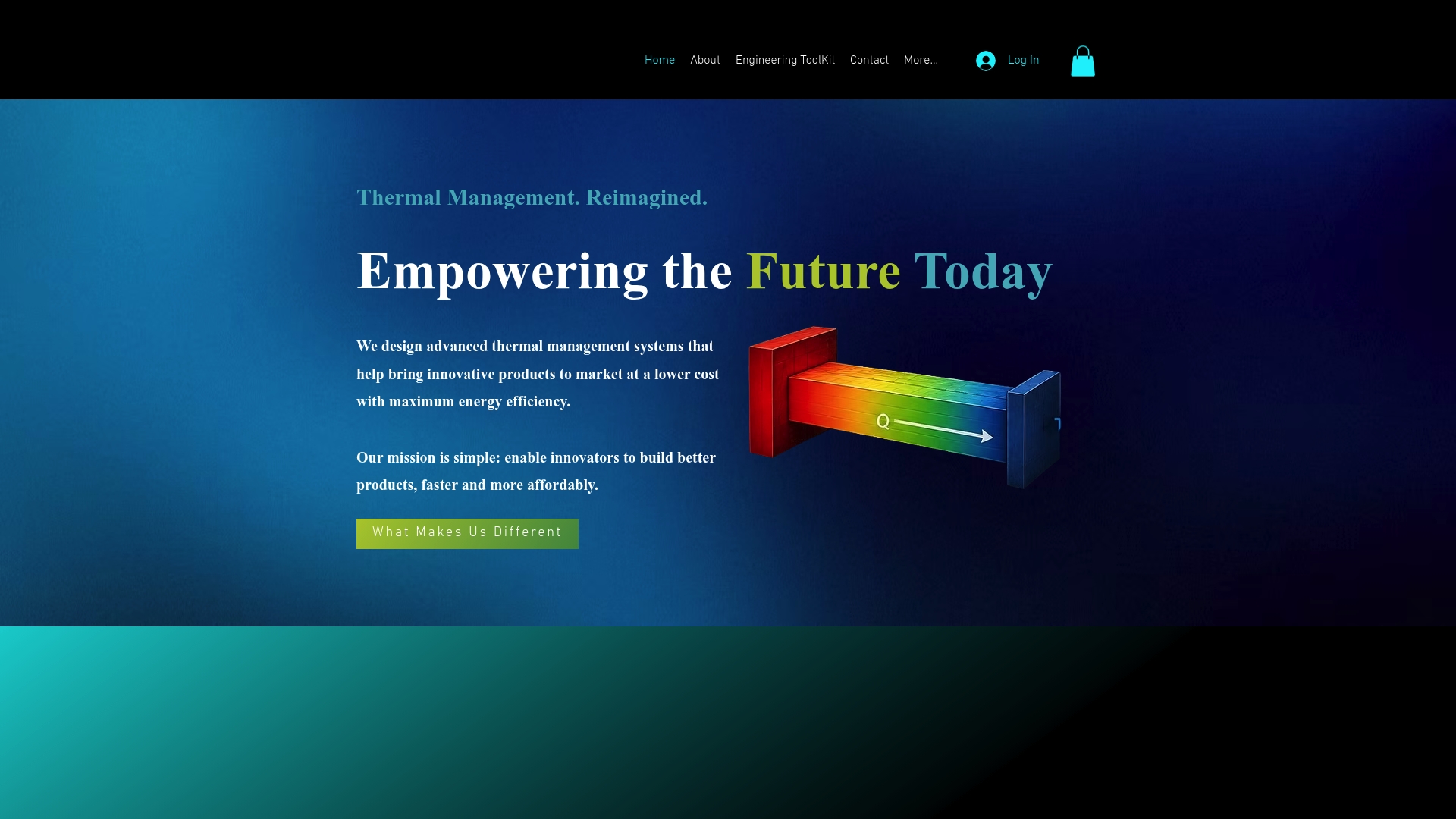
Free to use, the toolkit performs engineering-grade calculations for conduction, convection, and radiation. It supports variable material properties and a wide temperature range. The package includes a built in property database and multiple heat transfer modes for common design tasks.
Core Features
The toolkit models conduction, convection, and radiation together and handles variable material properties across a wide temperature range. It ships with a built in property database so you can avoid building basic material libraries from scratch. Multiple heat transfer modes let you move from hand calculations to detailed simulation without swapping tools.
Key Differentiator
What sets this tool apart is the combination of engineering grade physics with zero cost to the engineer. The package groups conduction, convection, and radiation in one accessible tool and includes variable material handling. That mix lets small teams and individual designers perform engineering level checks without license fees.
Pros
The toolkit produces engineering-grade calculations that streamline traditional manual thermal-analysis workflows, reducing the need for repetitive engineering checks. Its built-in property database and variable material support shorten setup time and accelerate iteration during product design. Its accessible web-based architecture provides engineers with a practical environment for early-stage analysis, prototyping, and engineering education.
Cons
Limited online documentation on advanced features or integrations.
Who It’s For
Engineers and product designers who need accurate thermal analysis without licensing barriers will find this tool useful. It fits teams working on electronics cooling, enclosure thermal management, and heat exchanger concept studies. It also suits educators and students who need a capable, no cost analysis tool.
Unique Value Proposition
The built in property database lets you model materials and temperature dependent properties without creating your own library. That feature saves hours when you test multiple alloys, composites, or polymer grades. For small teams this lowers the cost of early thermal validation and speeds move from concept to prototype testing.
Real World Use Case
An engineer uses the free toolkit to simulate heat transfer in a new electronic module, swapping material choices quickly to check peak temperatures. The faster iteration cut prototype cycles and highlighted an inexpensive change to the enclosure that lowered component temperatures. The result was fewer hardware spins and clearer thermal design decisions.
Website: https://jewlztech.com
Codeware COMPRESS, INSPECT, Shopfloor
At a Glance
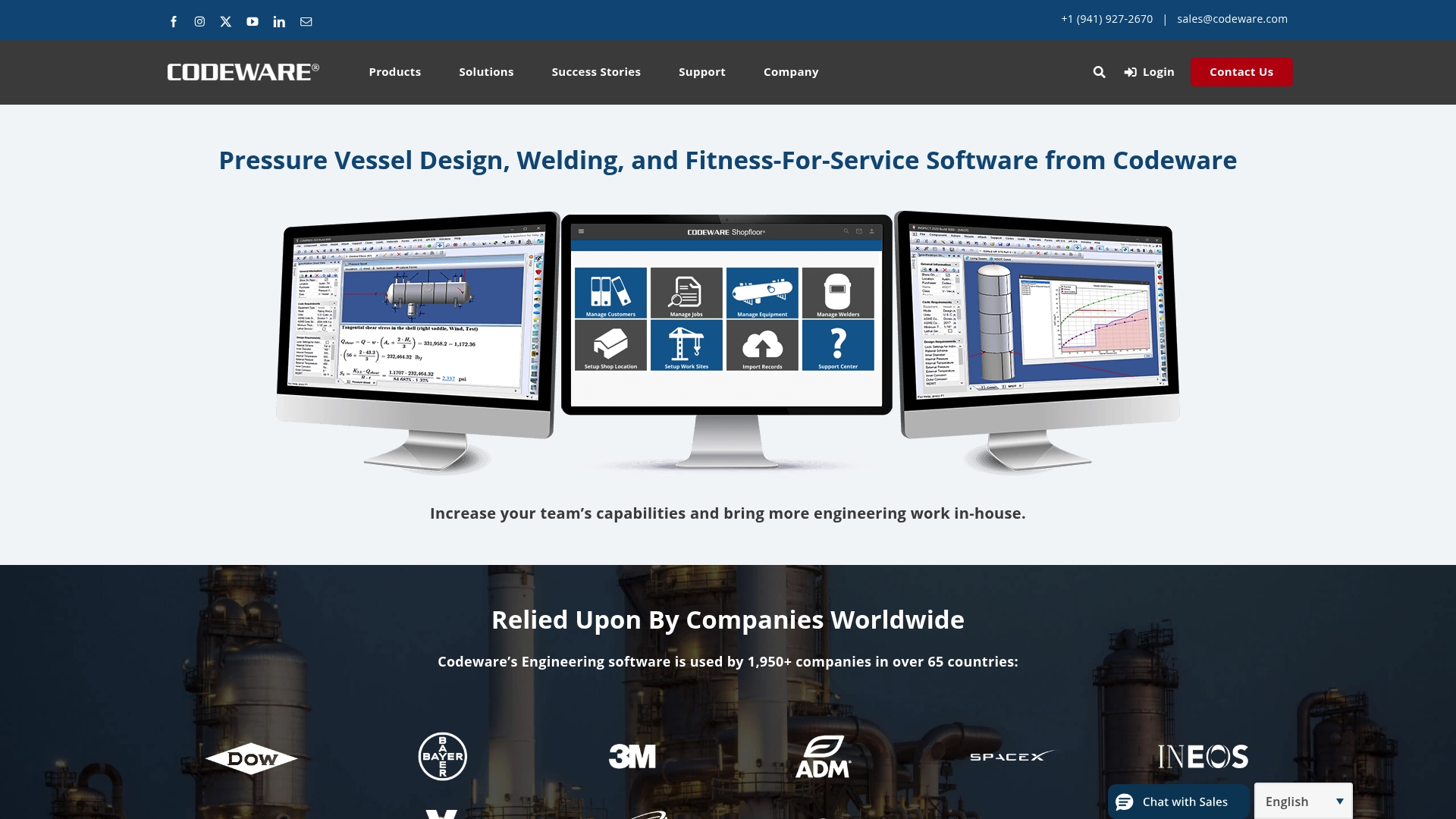
Codeware reports use by thousands of companies worldwide. The suite combines pressure vessel design, fitness for service checks, and welding procedure management on a cloud platform. It supports ASME, API, and AWS standards and centralizes design, inspection, and welding records for cross department workflows.
Core Features
COMPRESS, INSPECT, and Shopfloor cover design, fitness for service assessments, and welding procedure management, respectively. Automated report generation, 3D equipment modeling, and inspection data integration speed documentation and traceability. The tools link drawings and costing into workflows to support manufacturing and audit readiness. Cross department workflows tie drawings to costing and manufacturing steps to reduce rework.
Key Differentiator
The central strength is a unified cloud environment that holds design files, inspection records, and welding documentation together. Visualization tools help reviewers validate geometry and weld placements before fabrication. That central repository also simplifies audit exports and inspection traceability.
Pros
The suite automates complex calculations and report production, which cuts manual errors in engineering work. A cloud deployment gives remote access to models and inspection databases and helps teams share current records. That figure is tied to broad standard support for ASME, API, and AWS, which helps with regulatory reviews. Vendor training and support programs accompany deployment to shorten adoption timelines.
Cons
Requires specific technical engineering knowledge to use effectively, which raises the training curve for nonengineers.
High initial investment and training time apply when teams enable the full feature set for complex projects.
Some features may be overpowered for small shops or simple projects, adding unnecessary steps to workflows.
Compliance accuracy depends on timely updates, so teams must maintain current versions to avoid outdated code checks.
When It May Not Fit
If your staff lacks licensed engineers or inspection specialists, the product will demand a steep learning curve. Small fabrication shops that run simple vessels may find the full feature set excessive and costly to deploy. Expect significant setup time for complex workflows when integrating drawings and costing across departments. Teams without a cloud infrastructure preference may prefer desktop tools that avoid hosted data.
Who It’s For
Engineering firms, pressure vessel manufacturers, inspection companies, and welding contractors will gain the most from this suite. Teams that must meet ASME, API, or AWS standards will find structured workflows for design and documentation. Project managers responsible for audit trails and traceability will also benefit from centralized records.
Real World Use Case
A chemical plant used COMPRESS to design ASME compliant vessels and INSPECT to evaluate remaining life on aging equipment. Shopfloor tracked welding procedures and qualifications to prove compliance during audits and speed repairs. Integrating inspection results into the design record reduced undocumented repairs in that plant.
Pricing
Pricing is listed as Not applicable, informational only. Contact Codeware for quotes and deployment costs when budgeting for training and setup. Budget for licensing, optional cloud hosting, and hands on training during procurement.
Website: https://codeware.com
VCLAVIS
At a Glance
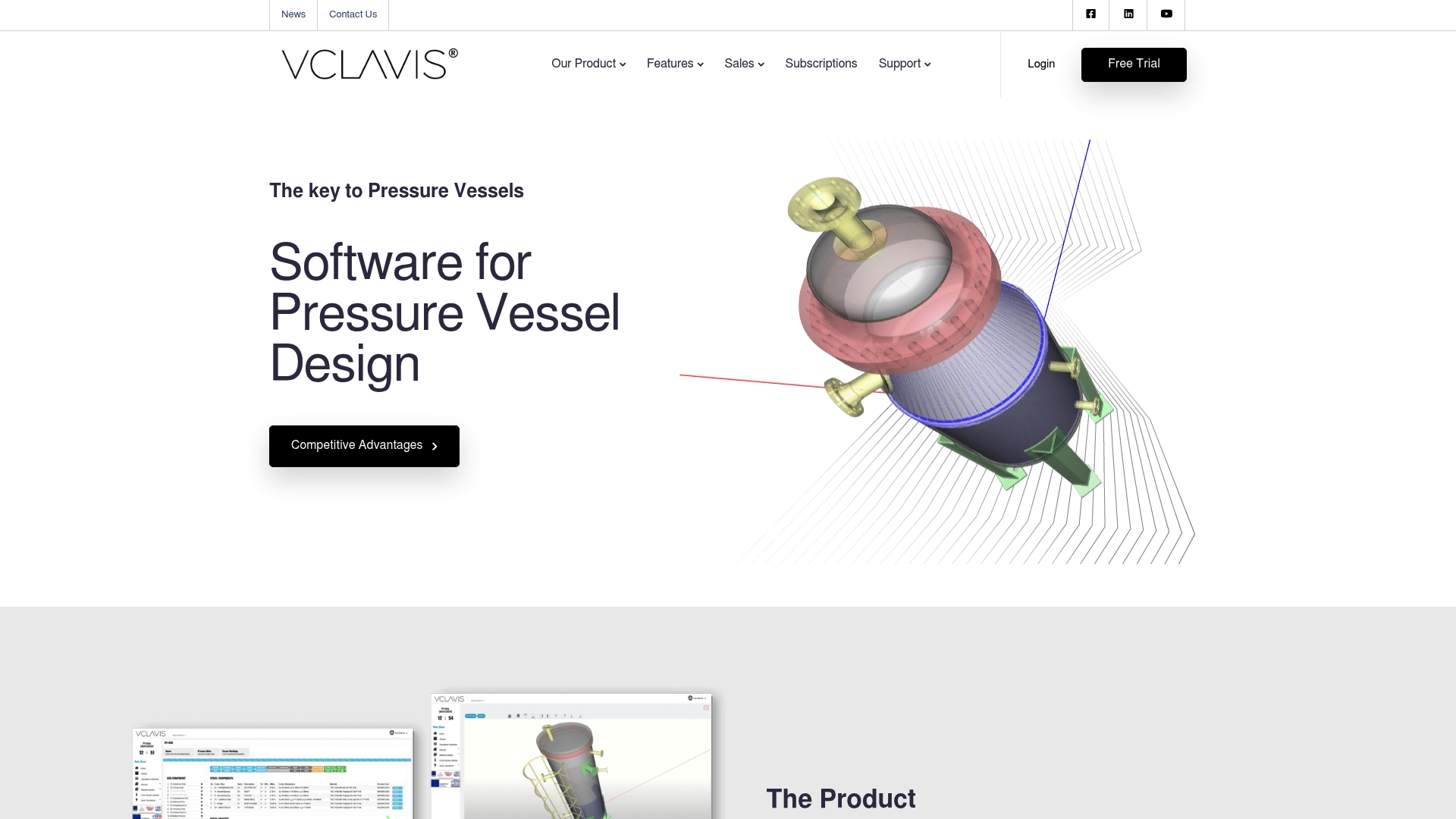
Supports ASME VIII DIV1, EN13445, PD5500, and AD2000 in a single web based environment. VCLAVIS combines vessel and heat exchanger tools with stability and local load checks. The platform includes online updates and technical support for engineering teams.
Core Features
VCLAVIS gives cloud access for remote work and design review, and it supports multiple international codes for conformity checks. The tool set covers pressure vessel and heat exchanger design, stability analysis, fatigue checks, and local loads such as seismic, wind, blast, snow, and live loads. Libraries and standards help automate repetitive calculations and maintain traceable compliance steps.
Key Differentiator
The standout point is web based access with real time updates plus integrated support for multiple international codes, which lets distributed teams work from the same live model and audit history.
Pros
VCLAVIS supports multiple international design codes, which reduces manual cross checking when a project spans jurisdictions. The cloud hosted access enables remote review and fast collaboration across office sites. The suite includes vessel sizing, stability, local load checks, and fatigue analysis, and the vendor reports regular updates and available technical support.
Cons
No direct file export or import for local storage. All project backups remain online only.
The software does not let you switch design code editions inside a project. You must track editions externally.
Feature depth makes the learning curve steep for new users who lack formal training.
The package does not generate manufacturing drawings or a detailed bill of materials.
When It May Not Fit
If your team requires offline backups or local archive files, VCLAVIS will not meet that need. Projects that need automatic switching between code editions during a single workflow will find manual tracking necessary. Shops that must output full manufacturing drawings or BOM lists should look elsewhere.
Who It’s For
Pressure vessel engineers and designers in industrial, chemical, oil & gas, and power plant sectors who need multi code checks and online collaboration. Teams running cross border projects who value a shared live model and vendor support will gain the most. Smaller shops that require local file control may not benefit.
Real World Use Case
An engineering firm uses VCLAVIS to verify vessel designs against multiple standards, perform stability and load calculations, and prepare compliance documents for licensing reviews. Engineers share model links for peer review and apply library rules to speed recurring calculations. Technical support helps resolve code interpretation questions.
Pricing
Not applicable — informational only. Pricing is not published in the product data and appears to require vendor contact for commercial terms.
Website: https://vclavis.com
CademPVD
At a Glance
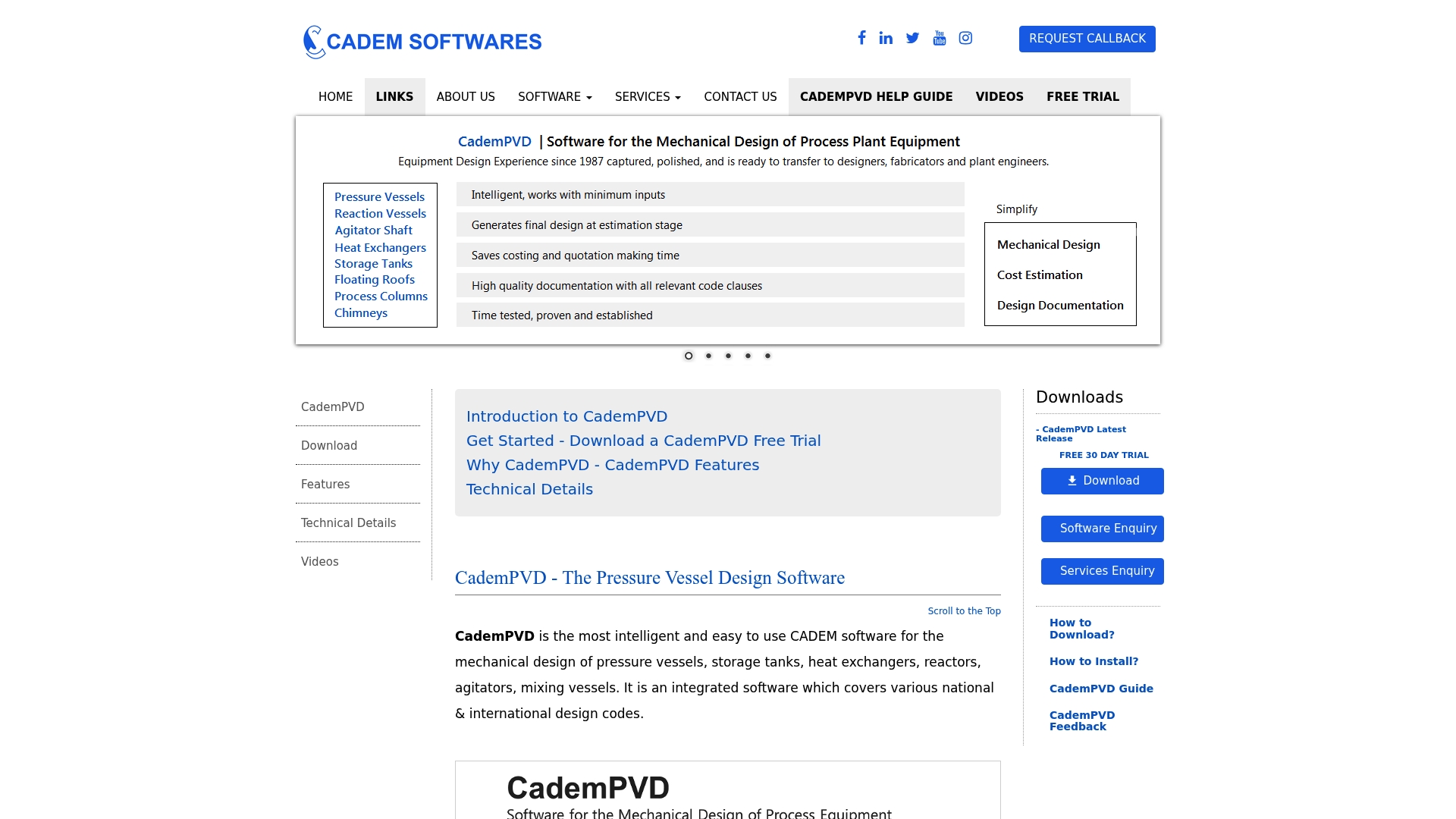
CademPVD reports a built-in databank of over 3,000 materials and standards. That databank speeds material selection for vessels, exchangers, and reactors. The software also automates code checks for ASME, API, TEMA, and EN13445 designs. Its emphasis is on reducing manual calculation and documentation work for pressure equipment.
Core Features
CademPVD automates design for pressure vessels, storage tanks, heat exchangers, reactors, and agitators while applying multiple design codes. It can evaluate several operating conditions in one run, including startup, shutdown, and hydrostatic states, and it produces detailed design reports and bills of materials. The package includes extensive material and standards databanks and automatic component thickness calculations.
Key Differentiator
The product’s standout angle is integrated support for multiple international codes combined with automated compliance checks. That code breadth lets engineers shift projects between ASME, API, TEMA, or EN13445 rules without rebuilding models. The result is faster iteration on code-driven design choices and fewer manual cross checks during compliance reviews.
Pros
The software reduces time spent on manual calculations by automating component sizing and code checks, which cuts routine engineering hours. The material databank above and built-in standards shorten specification work and reduce sourcing errors. CademPVD consolidates several equipment types in one project, so you can keep a vessel, exchanger, and agitator together for consistent materials and reporting. Finally, its report output and BOM formats help handoff to procurement and fabrication.
Cons
Third-party reviewers report a steep learning curve for new users, especially those used to spreadsheet workflows.
Limited public detail about post-sale support and formal training options may frustrate teams that need guided onboarding.
Feature set focuses on pressure equipment design, so detailed piping, structural analysis, or plant layout will require additional tools.
When It May Not Fit
If your primary work centers on piping stress, structural framing, or full plant 3D layout, this product will feel narrow. Companies that need vendor-managed cloud services or broad enterprise integrations will need to confirm offerings with sales. Small teams without staff time for initial training may find the upfront learning investment disproportionate to their short term needs.
Who It’s For
Mechanical engineers and design specialists who handle pressure vessel and process equipment engineering will find the product valuable. It matches firms and consultancies that must deliver code-compliant designs and formal documentation. Educators teaching pressure vessel design will also find the automated calculations useful for classroom demonstrations.
Real World Use Case
An engineering consultancy uses CademPVD to produce ASME code designs for shell and tube exchangers and vertical storage tanks. Engineers run multiple condition checks, export design reports, and hand off a formatted bill of materials to the fabricator. That workflow shortens the time between initial sizing and manufacture documentation.
Pricing
License pricing is not publicly listed. The vendor appears to use a licensing model with potential add-ons for maintenance or training. Contact sales for licensing tiers, support packages, and deployment options.
Website: https://cadem.net
Paulin Research Group FEA Software Suite
At a Glance
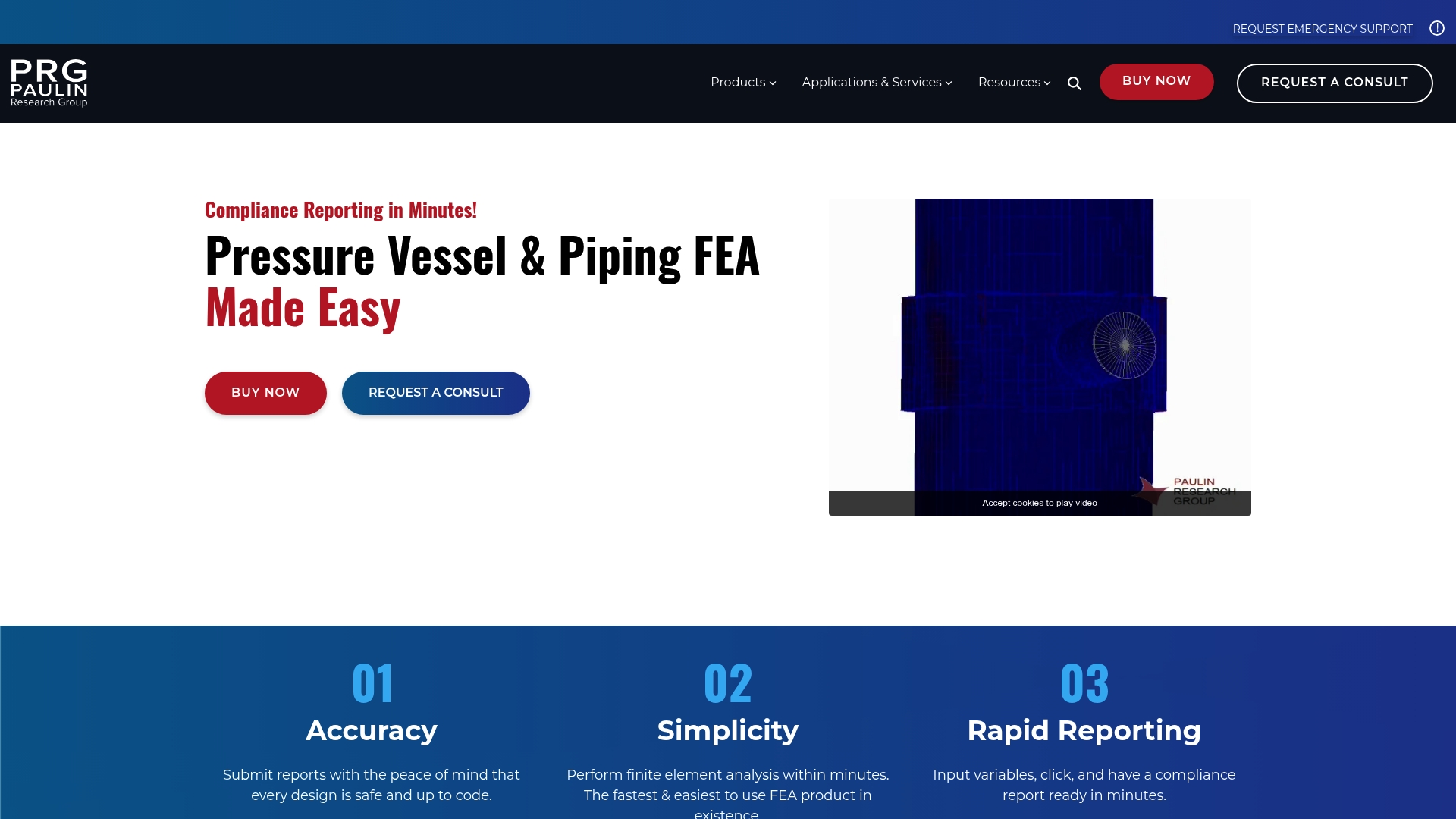
Automatically generated code and leakage compliance reports remove many manual verification steps for vessel and piping projects. The suite includes template driven FEA modeling and built in standards databases for ASME, EN, and PD 5500. That output speed makes it practical for fast design checks and emergency validation tasks.
Core Features
Paulin Research Group offers linear and nonlinear flange analysis with support for 2D and 3D models, and it runs automatic code based stress and leakage evaluations. Template based FEA modeling accelerates setup while built in standards databases keep calculations aligned with ASME, EN, and PD codes. The software bundles modules for flanges, nozzles, piping, and vessel components and generates code compliance reports automatically.
Key Differentiator
The suite stands out for its integrated compliance reporting that needs minimal manual input. That approach shortens the verification loop from model build to a code report. For teams that must deliver documented code checks quickly, the reporting pathway is the primary advantage.
Pros
The interface lowers the barrier to entry so engineers with limited FEA experience can run meaningful checks and get formal reports. Fast analysis and automatic reporting reduce review cycles and speed sign off for fabrication. Broad standards support and module variety make the package useful across flanges, nozzles, piping, and pressure vessel work. Professional consulting, training, and emergency support are available to back up teams during tight schedules.
Cons
Initial training is advisable to get the most from templated workflows.
Very detailed or highly nonlinear models still require advanced FEA expertise beyond the templates.
Pricing and licensing terms are not published and likely require an enterprise budget.
When It May Not Fit
If your group routinely runs large scale nonlinear simulations with custom element setups, the template driven approach will feel restrictive. Teams that need transparent, fixed per seat pricing will find the vendor quote model inconvenient. Organizations without access to experienced FEA personnel may outgrow the templates for complex fatigue or fracture work.
Who It’s For
Mechanical and structural engineers in oil and gas, power generation, and chemical processing who must validate pressure equipment against code are the primary users. Small engineering teams that need rapid compliance checks and clear reporting will find the suite practical. Groups that plan to pair templates with consulting support get the most immediate value.
Real World Use Case
A power plant engineer uses FEPipe to recheck piping supports and nozzle attachments after a design revision. They export a template model, run the automatic stress and leakage evaluations, and produce an ASME style compliance report for fabrication approval. The report cuts review time and documents decisions for the quality file.
Pricing
Pricing is not specified. Contact the vendor to request a quote and license details.
Website: https://paulin.com
Comparison of alternatives
Choosing the most suitable software for pressure vessel design hinges on balancing features, pricing, and ease of use for specific engineering needs. Various platforms offer advantages tailored to different workflows, project requirements, and team preferences.
Features versus accessibility
Jewlz Technologies provides accessible, web-based engineering-grade thermal analysis. With tools capable of conduction, convection, and radiation calculations, the platform supports teams performing preliminary engineering analysis and design evaluation. In contrast, Codeware’s suite presents a unified cloud platform for design, inspection, and documentation, delivering powerful integration for manufacturing workflows, albeit with significant setup and licensing costs.
Standards support and compliance
VCLAVIS shines in multi-standard compliance, supporting multiple international code checks suitable for cross-border collaboration. Its online-only operation facilitates real-time updates and remote access but might deter teams needing offline backups or local file control. Meanwhile, CademPVD excels via a material database, offering automation in specification management and featuring integrated compliance checks for multiple standards.
Best fit
Engineering professionals seeking accessible web-based tools for initial prototyping, preliminary engineering analysis, or educational applications can benefit from Jewlz Technologies’ thermal analysis capabilities
Organizations seeking centralized workflows for inspection and documentation should consider Codeware’s suite covering design, inspection, and welding management.
Teams requiring support for multi-code compliance projects across borders will find VCLAVIS advantageous due to its online collaboration features.
Businesses that prioritize fast and automated compliance reporting for streamlined validation would gain value from the Paulin Research Group FEA Suite.
Our pick
For teams prioritizing cost-free yet detailed thermal analysis capabilities over extended standards compliance or workflow integration, Jewlz Technologies delivers value. Its zero-cost entry, coupled with advanced features for thermal modeling, makes it particularly suitable for small teams and educational settings.
Comparing these solutions highlights their unique strengths, assisting users in selecting the most suitable tool for their needs.
Product | Key Differentiator | Best For | Pricing | Limitation |
Jewlztech | Engineering-grade thermal calculations at no cost | Small teams and educators needing accurate tools | Free to use | Limited documentation for advanced features |
Codeware | Unified cloud environment for engineering and welding | Companies adhering to ASME standards | Price not published | High initial investment and training curve |
VCLAVIS | Supports multiple international codes | Teams managing multi-code cross-border projects | Price not published | No local storage for files |
CademPVD | Extensive databank and automated code checks | Engineers in pressure equipment design | Price not published | High learning curve for new users |
Paulin Research Group | Template-driven compliance reporting | Rapid design checks for pressure components | Price not published | Templates may limit advanced nonlinear modeling |
Choosing the Right Pressure Vessel Design Software for Your Engineering Team
Pressure vessel design software presents complex challenges like compliance with multiple codes, material selection, and accurate simulation of operating conditions. Engineers and product designers often face steep learning curves and costly licensing when trying to perform code-accurate designs and documentation. Jewlztech offers free engineering software solutions focused on thermal simulations and pressure vessel simulation that reduce setup time and iteration cycles.
Jewlztech delivers tools with built-in material databases and wide temperature range support, helping teams validate designs without license fees. Small teams and educators benefit from accessible, engineering-grade calculations that combine conduction, convection, and radiation modeling.
Browse all products at Jewlztech to find thermal management and pressure simulation tools designed to speed early-stage validation. Visit Jewlztech’s homepage for more information and start comparing key thermal software features for your pressure vessel projects.
FAQ
What advantages does Jewlztech offer for pressure vessel design?
Jewlztech provides a free toolkit that conducts engineering-grade calculations for conduction, convection, and radiation. It supports variable material properties and includes a built-in property database, which saves time in the setup process. Start leveraging Jewlztech’s features to streamline your thermal analysis today.
How does Jewlztech compare to Codeware COMPRESS?
Codeware COMPRESS excels with a comprehensive cloud platform that integrates pressure vessel design, fitness for service checks, and welding management under one roof. Jewlztech, however, allows small teams and individual designers to perform engineering-level thermal checks without any licensing fees, making it an ideal choice for early prototypes or educational purposes.
Which feature helps reduce setup time in Jewlztech?
The built-in property database in Jewlztech significantly shortens setup time, as it avoids the need for engineers to create their own material libraries from scratch. This feature is particularly beneficial for designers working on multiple materials during product development. Expect a smoother workflow and faster project execution with this capability.
Can engineers use Jewlztech for educational purposes?
Yes, Jewlztech is well-suited for educators and students because it offers a capable, no-cost analysis tool for thermal assessments. This makes it accessible for classroom use and helps facilitate effective learning in thermal analysis methodologies.
What is a drawback of Jewlztech?
A notable limitation of Jewlztech is the lack of extensive online documentation for advanced features or integrations. Users may need to explore the toolkit actively to fully utilize its potential. Despite this, the free access point allows users to experiment and learn without financial commitment.
Recommended
Comments