
Top 6 COMSOL Simulation Alternatives 2026


Picking simulation software for heat transfer, multiphysics, or complex CFD work stalls when every option comes with major trade-offs on features or pricing. Many alternatives restrict advanced modules to top pricing tiers, limit platform support, or require custom sales quotes just to compare costs. This comparison covers price, physics modules, and workflow support across six COMSOL competitors so engineering teams can pick a CFD solution that actually fits their project scope and budget.
Table of Contents
Jewlz Technologies
At a Glance
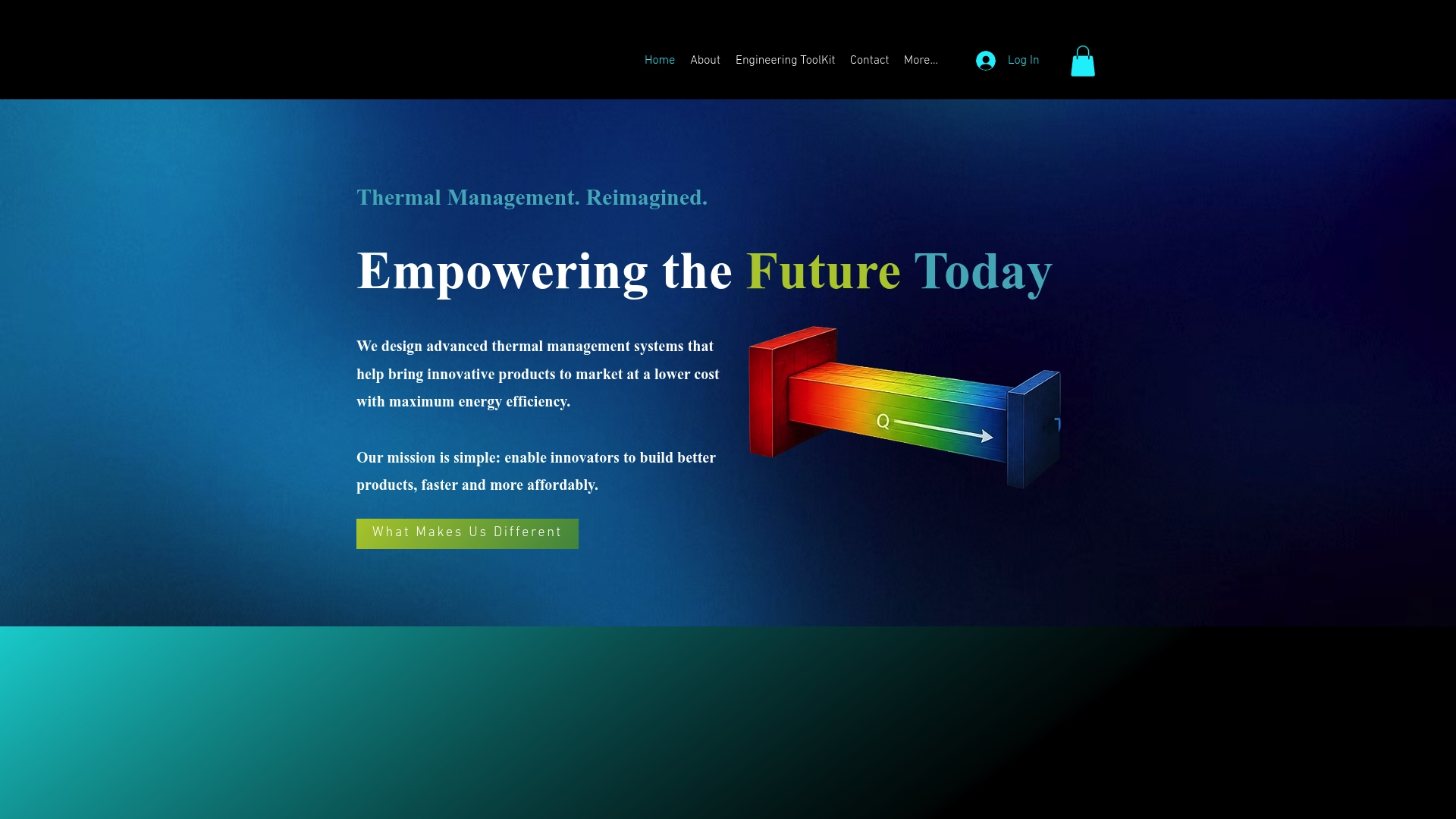
The toolkit is free to use while supporting conduction, convection, and radiation analyses with a built-in property database. It accepts variable material properties and covers a wide temperature range for common engineering tasks. The site emphasizes accuracy and engineer-focused workflows for thermal management design.
Core Features
Jewlz Technologies delivers an all-in-one thermal analysis toolkit that handles conduction, convection, and radiation in the same model. The toolkit includes variable material properties and a built-in property database so you can test real materials without creating custom libraries. It also supports multiple heat transfer modes and wide temperature ranges useful for electronics, enclosures, and energy infrastructure work.
Key Differentiator
The single distinguishing capability is the included property database combined with support for multiple heat transfer modes in one package. That combination reduces the time engineers spend translating material data between separate tools. It targets thermal management problems where conduction, convection, and radiation interact within the same assembly.
Pros
Being free lowers the barrier for students and small engineering teams to run meaningful thermal studies. The toolkit supports variable materials and multiple heat transfer modes, which lets you model complex interactions without switching software. The product appears engineered by thermal practitioners, and that practical focus shows in the emphasis on accurate calculations and temperature-range support.
Cons
Public documentation and detailed product specifications are limited, and some site pages return errors or 404 responses.
Who It’s For
Engineers and product designers who need accessible thermal analysis tools on a tight budget will find this useful. It fits teams prototyping electronics enclosures, heat sinks, and simple thermal control devices. Students and engineers exploring energy efficiency work will appreciate the ability to run conduction, convection, and radiation cases in one environment.
Unique Value Proposition
The built-in property database lets you run realistic material comparisons without assembling external libraries. That reduces setup time when testing alternate materials or checking temperature-dependent behavior across a design. For small teams, this translates into faster iteration and fewer manual data-entry errors during thermal trade studies.
Real World Use Case
An engineer optimizing an electronics enclosure can import candidate materials, run conduction and convection cases, and include radiation without switching tools. The variable material properties let that engineer compare performance across operating temperatures. Using the toolkit, the team refines venting and material choices to lower peak temperatures and cut cooling costs.
Website: https://jewlztech.com
Azore CFD
At a Glance
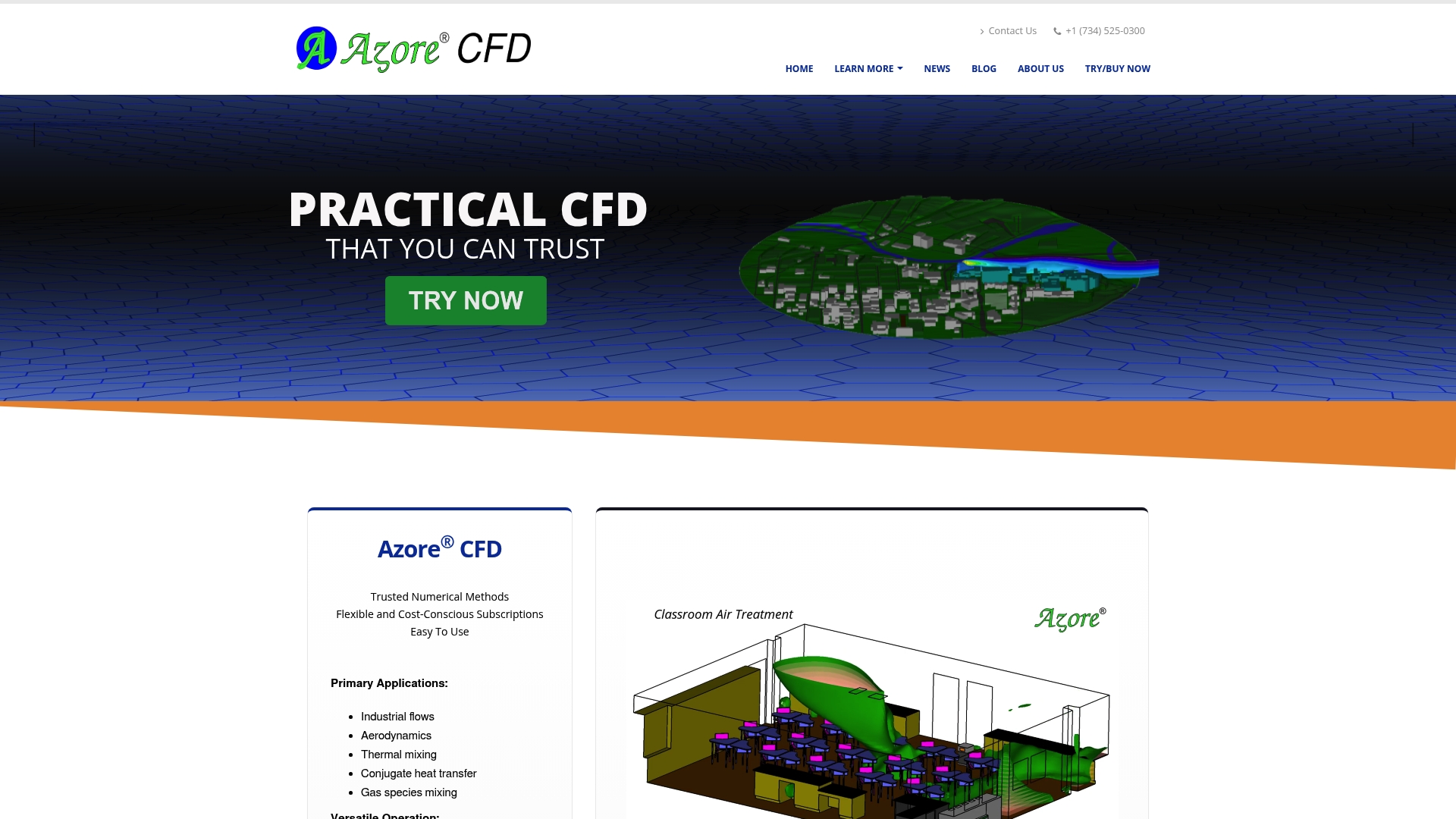
Species transport supports unlimited species, and the solver includes K-epsilon turbulence modeling. The package runs on Windows, Linux, and Mac OS and supports HPC parallel processing. Training classes and case studies accompany the software so engineers can apply examples to real projects.
Core Features
Azore CFD solves incompressible flows with steady state capabilities and species transport for concentration tracking. It accepts meshes from Trelis, ANSYS, Pointwise, and other formats, and provides built-in post-processing for scalar and vector fields, iso-surfaces, and animations. The solver targets industrial CFD tasks with options for parallel runs on HPC clusters.
Key Differentiator
The product pairs versatile import and export with extensive post-processing so you can go from mesh to results without switching tools. The vendor also packages training and case studies alongside the software, which shortens the learning curve for industry-specific problems. That combination suits teams that need ready examples plus practical solver workflows.
Pros
The vendor advertises high review ratings and awards, and the software runs across Windows, Linux, and Mac OS which eases deployment across engineering workstations. The solver covers industry needs like incompressible flow, turbulence, and unlimited species transport while supporting multiple mesh formats and native post-processing. Documentation, tutorials, webinars, and training classes help engineers adopt workflows faster, and subscription tiers include a free trial and options with unlimited core licensing.
Cons
Third-party reviews highlight limits with highly transient physics. The product may not handle fast evolving flow transients as well as specialized transient solvers.
Some advanced physics modules appear only in higher-tier packages. That raises total cost when you need those capabilities.
User feedback points to constraints on multiphase flows and very complex geometries in certain plans. Those cases may require a different solver.
When It May Not Fit
If your project demands detailed transient simulation for rapid events, this package may not meet accuracy or workflow needs. For intensive multiphase problems or very complex geometry handling, the available plans might lack the required features. Teams needing full-spectrum transient multiphase capability should evaluate dedicated transient or multiphase solvers.
Who It’s For
Engineering professionals and CFD specialists in transportation, HVAC, pollution control, manufacturing, and energy who need practical solver capabilities and training will find this product useful. It fits groups that value ready examples and built-in post-processing over highly specialized transient features. Small teams that want cross platform support and HPC options will see the most benefit.
Real World Use Case
A chemical plant engineering team used Azore CFD to model and optimize heat exchangers to reduce energy use. They imported meshes from their preprocessor, ran steady state conjugate heat transfer cases on an HPC node, and used animations and iso-surfaces to identify hotspots for redesign.
Website: https://azorecfd.com
CoolSim
At a Glance
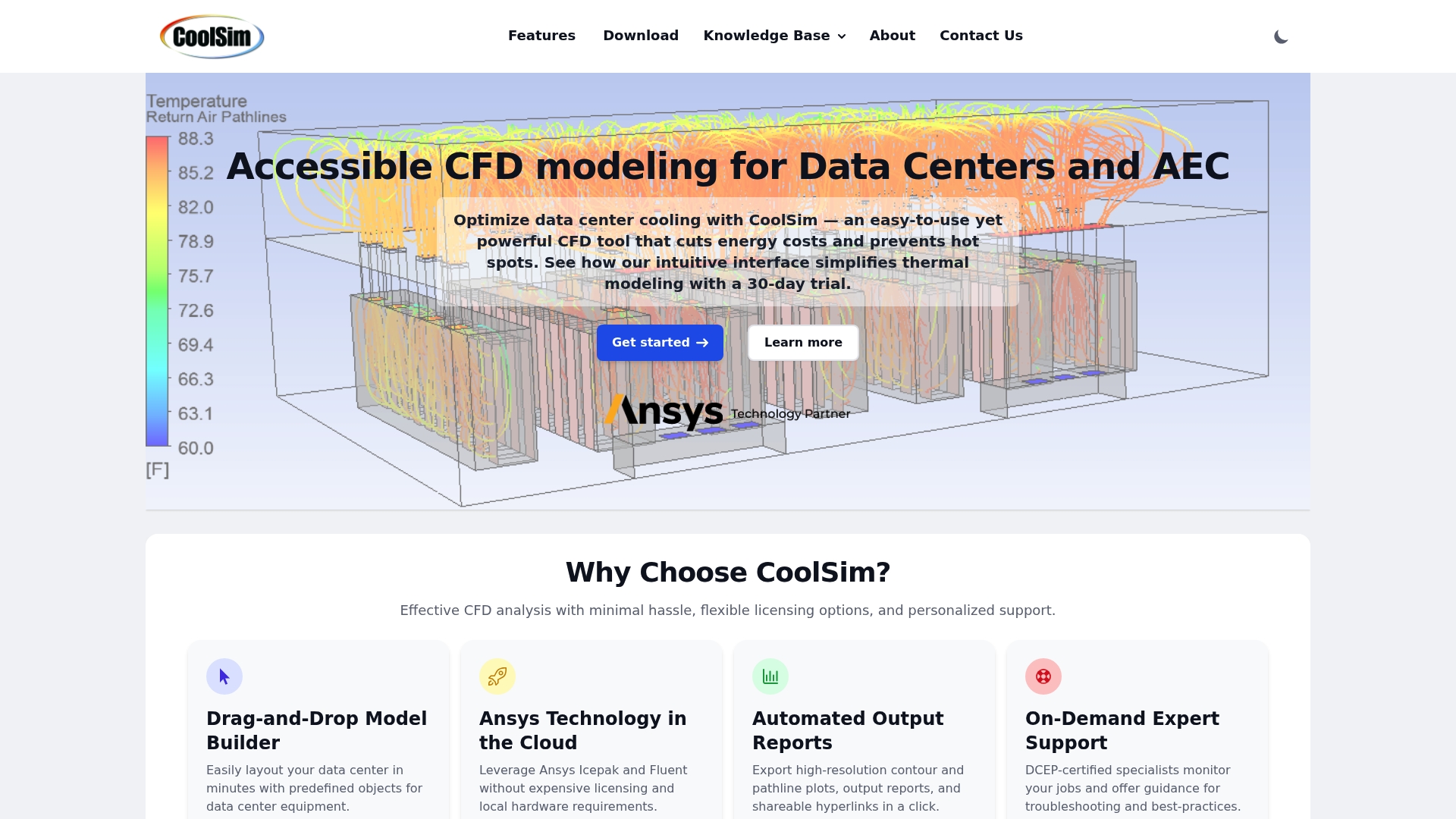
Integrates Ansys Icepak and Fluent CFD in the cloud so you can run data center airflow models without local high performance hardware. The interface uses industry terminology and a drag and drop component library to speed layout creation. Automated high resolution reports create shareable hyperlinks for review and handoff.
Core Features
A Drag and Drop Model Builder with predefined objects lets you lay out racks, CRAC units, and containment quickly, while support for raised and non raised floors covers common data center configurations. The engine ties into Ansys Icepak and Ansys Fluent on cloud compute for solver fidelity and scalable runs. Automated reporting, CRAC parameter variation analysis, external wind flow modeling, and general inlet outlet definitions round out the pipeline from layout to detailed results.
Key Differentiator
CoolSim focuses on data center workflows rather than general CFD. It combines a domain specific interface, cloud processing of recognized Ansys solvers, and built in automated reporting tailored for cooling and airflow decisions. That mix reduces the need for deep CFD setup knowledge when evaluating capacity or containment changes.
Pros
The interface translates cooling concepts into selectable components so engineers spend time on layout and scenario testing rather than mesh setup. Cloud processing removes the need for expensive local hardware and long solver installs. Support includes model troubleshooting and guided onboarding to flatten the learning curve. Automated reports produce visuals and data exports that teams can circulate with operations or contractors.
Cons
Some advanced scenarios require expert support beyond the in application tools. This can add consultancy time for complex cases.
Mastery takes time even with available training. New users report an initial learning curve before reaching efficiency.
Very large or highly complex geometries may exceed in application capabilities and require professional assistance or a custom workflow.
When It May Not Fit
If your work routinely involves extremely large facilities or non standard fluid dynamics cases, CoolSim may not handle those without outside consulting. Teams that need deep solver customization or bespoke multiphysics coupling will find the product limited. Organizations that must run fully local solvers for data governance reasons should look elsewhere.
Notable Integrations
CoolSim connects directly to Ansys Icepak and Ansys Fluent for cloud based solver execution. Those integrations allow the product to leverage familiar solver physics while keeping users inside a domain focused UI. The integrations support exporting high resolution outputs and shareable result links.
Who It’s For
Data center engineers, facilities managers, and design build professionals who need practical airflow and thermal analysis will get the most value. Operators who must validate cooling capacity and containment changes before physical work will find the workflows efficient. Teams without deep CFD expertise can run meaningful scenarios with guided support.
Real World Use Case
A data center operator models a new rack row to check for hot spots before purchase and installation. Using CoolSim they vary CRAC placement and run CRAC parameter variation analysis to spot failure mode risks. The team exports report links to operations and avoids a costly retrofit after deployment.
Pricing
Not applicable for direct purchase information. The product page describes flexible licensing and cloud processing but does not list public rates. Contact sales for licensing models, cloud compute pricing, or service packages.
Website: https://coolsimsoftware.com
CFX Berlin Software GmbH
At a Glance
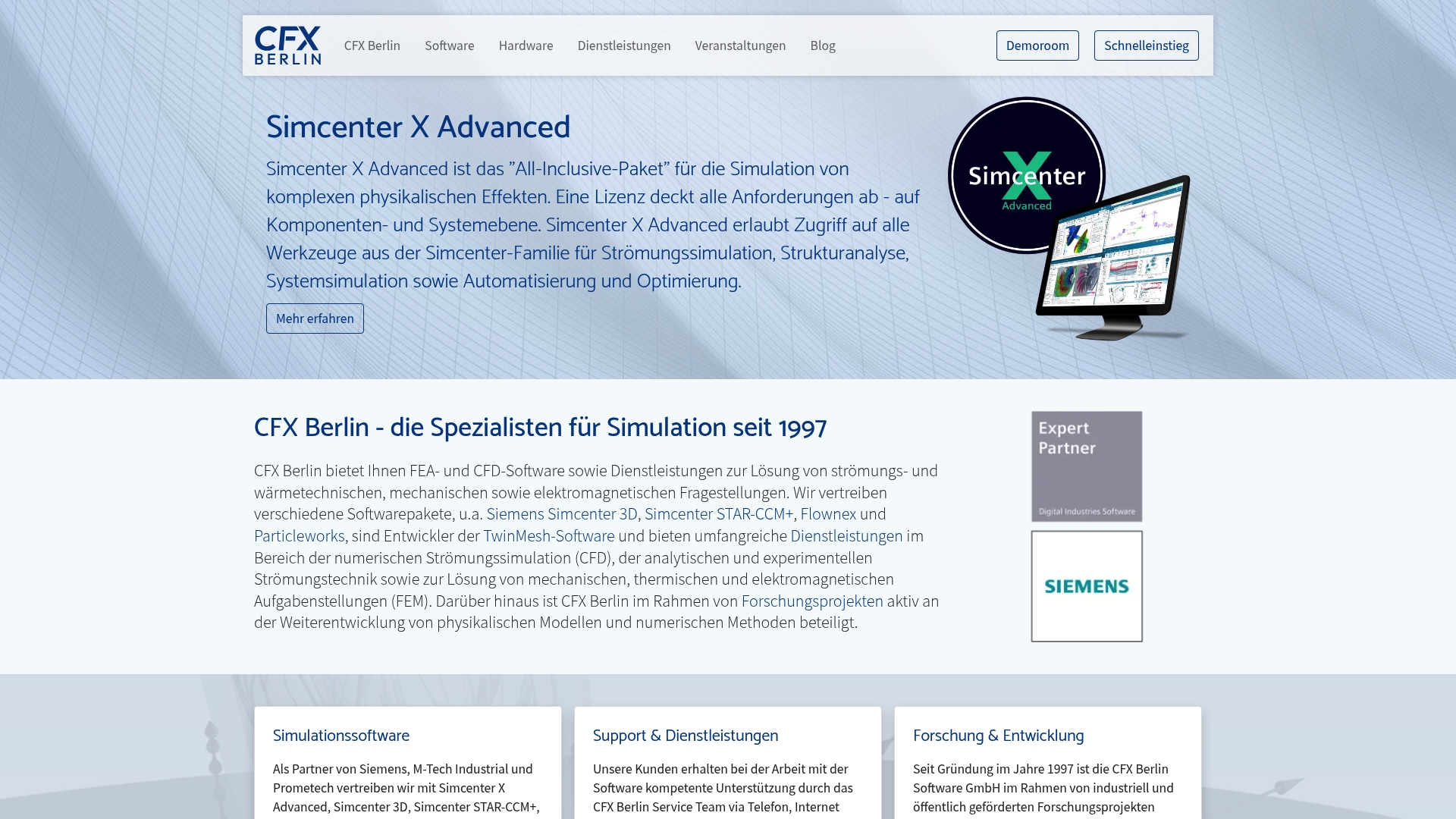
Developer of the TwinMesh meshing software for rotating displacement machines, CFX Berlin has kept that niche capability since 1997. The company distributes tools such as Simcenter STAR-CCM+ and Simcenter 3D while offering consulting, training, and hardware for simulation workflows. Services span CFD, FEM, electromagnetic analysis, and coupled system simulation for industry and research.
Core Features
CFX Berlin sells and supports a portfolio that includes Simcenter STAR-CCM+, Simcenter 3D, Flownex, Particleworks, and TwinMesh, plus related hardware. The team delivers CFD, FEM, and electromagnetic simulation services and runs model validation, optimization, and measurement campaigns. They also provide training, technical support, and events targeted at simulation practitioners.
Key Differentiator
The standout capability is the in-house development of TwinMesh, a meshing and pre processor tailored for rotating positive displacement machines. That tool integrates with CFD workflows to handle rotor geometry and mesh quality challenges specific to these machines. This specialist focus separates CFX Berlin from generalist resellers and service bureaus.
Pros
Long experiences in simulation since 1997 translates into deep domain knowledge across thermal, fluid, and electromagnetic problems. The combined offering of software sales, consulting, and hardware lets teams buy licenses and scale compute resources from the same vendor. Close collaborations with Siemens and Prometech give access to product updates and vendor level support. Active research and development work means methods and workflows evolve alongside academic and industrial practice.
Cons
Pricing details are not published. Project and license costs are typically quoted on request which slows quick budget comparisons.
Complex projects can require extensive setup and iteration, so engagements may take significant calendar time depending on scope.
If you lack an existing compute environment, procuring recommended workstations or clusters can add notable hardware expense.
Who It’s For
Development engineers and researchers in mechanical engineering, electrical engineering, and process engineering will get the most value. Teams designing rotating machinery or electromagnetic drives will particularly benefit from the TwinMesh capability and coupled simulation services. Groups that need vendor backed training, measurement validation, and access to Siemens tools also match this profile.
Real World Use Case
A design team used electromagnetic field simulation together with system level coupling to optimize an electric drive. TwinMesh handled rotor geometry and meshing for transient CFD that linked to the electromagnetic solver. The combined approach reduced iterative prototype cycles and clarified thermal limits during high load operation.
Pricing
Pricing is not listed publicly. CFX Berlin provides licenses, service contracts, and hardware quotes on a per project or per customer basis. Expect custom proposals that reflect software selection, consultancy hours, and any recommended workstation or cluster purchase.
Website: https://cfx-berlin.de
Fidelity CFD Platform
At a Glance
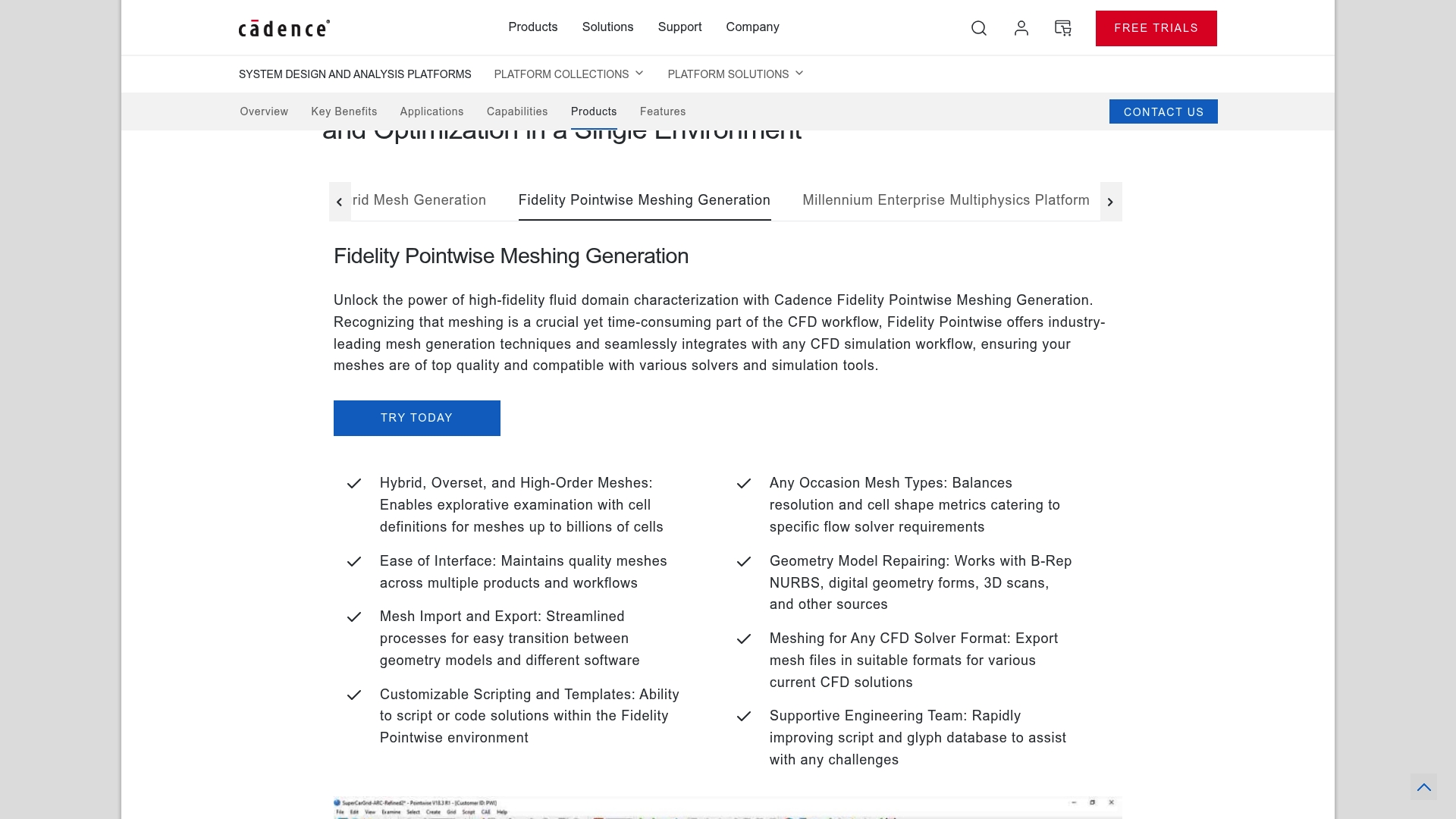
The vendor advertises 9X throughput and 17X less energy consumption from GPU acceleration. Fidelity CFD Platform targets multidisciplinary design work in aerospace, automotive, marine, and turbomachinery. The product bundles solvers and design automation to cut physical testing and shorten development cycles.
Core Features
Fidelity combines an end to end CFD workflow with automation driven by a Python API, enabling repeatable studies and scripted model setups. The suite includes Fidelity Charles Solver for high fidelity simulations and Fidelity Fine Design3D for machine learning driven design optimization, plus support for conjugate heat transfer, fluid structure interaction, multiphase flows, and aeroacoustics. The architecture is built to scale on high performance computing hardware and GPU nodes.
Key Differentiator
The vendor positions Fidelity as the only industry platform that integrates multiphysics, automation, and native support for high performance computing. This pairing lets teams run tightly coupled simulations and automated design loops on the same stack. That focus narrows the gap between prototype testing and final design evaluation.
Pros
Fidelity reports validation against experimental data, which gives engineers a basis to trust simulation results when they compare to lab tests. The platform claims major time gains from GPU acceleration; that claim translates to moving some workflows from days to hours when high performance hardware is available. The product covers industry specific workflows for aerospace, automotive, marine, and turbomachinery, which reduces the need to glue different tools together. The interface and automation features lower repetitive setup work for engineers who script common studies.
Cons
Setup complexity can be high for teams without experienced CFD analysts. Training and onboarding may require external support.
Large or highly detailed models need significant compute resources, raising hardware or cloud costs.
Pricing details are not publicly listed, which likely indicates custom enterprise licensing and may hinder budget planning.
When It May Not Fit
If your group runs only small parametric studies on a desktop, this platform may be overkill both for capability and cost. Small teams without CFD expertise will face a steep learning curve and may prefer simpler solvers. If you lack access to HPC or GPUs, you will not realize the vendor advertised throughput and energy claims.
Who It’s For
Professional engineers and research teams in aerospace, automotive, marine, and turbomachinery who need high precision CFD and integrated multiphysics. Organizations that can provision HPC or GPU clusters will extract the most value. Teams focused on design optimization with automation and machine learning will find the toolset aligned with their workflows.
Real World Use Case
Honda Motor Co. uses Fidelity CFD for external aerodynamics, thermal management, and powertrain analysis to reduce development time and improve product performance. Engineers at Honda run coupled thermal and flow studies and apply automated design loops to refine shapes. That practical deployment shows the platform operating at vehicle scale in production environments.
Pricing
Pricing is not specified. The vendor lists licensing as likely custom or enterprise based on usage and compute scale. Expect negotiations that factor in node counts, solver modules, and support levels.
Website: https://pointwise.com
Abaqus
At a Glance
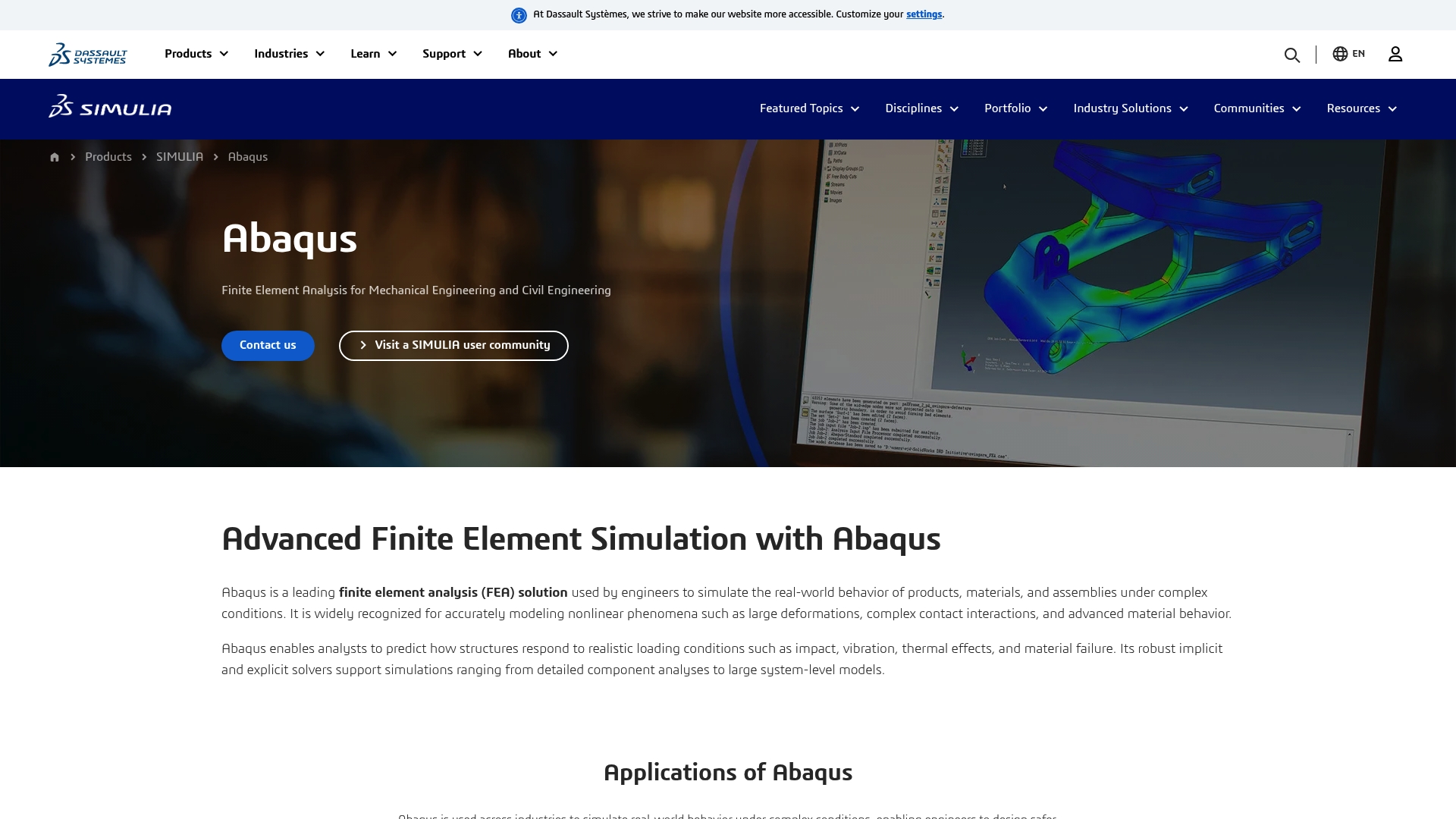
Abaqus models large nonlinear behavior using both implicit and explicit solvers to handle complex contact, large deformations, and dynamic events. It combines automatic time stepping with solver options to match static and transient needs. The tool targets engineers who run detailed component or system-level finite element studies.
Core Features
Abaqus performs finite element analysis on large, complex models and handles nonlinear material and contact behavior. The package offers both implicit and explicit solver paths and automatic time stepping for nonlinear and dynamic problems. It also supports versatile geometry setup, material definitions, and boundary conditions across many simulation types.
Key Differentiator
Abaqus stands out for its nonlinear simulation capabilities and dual-solver support that scale to large models. That solver mix lets analysts pick the best approach for slow, equilibrium problems or fast, impact-driven events. The workflow supports moving from model setup to post-processing with consistent problem definition.
Pros
Abaqus is trusted for tackling advanced nonlinear problems across industries, which makes it a go-to for difficult material and contact scenarios. It scales to large models and takes advantage of high-performance computing to reduce wall time on heavy runs. The interface keeps problem definitions modular, so you can reuse model setups and material libraries across projects.
Cons
Steep learning curve for engineers new to advanced nonlinear modeling.
High hardware demand for large models and explicit simulations.
Cost may be prohibitive for small teams or individual users.
When It May Not Fit
Abaqus is a poor fit for users who need quick, lightweight thermal or CFD checks on a laptop. Small labs or student projects with minimal budgets will likely find the licensing and hardware needs restrictive. Teams that require a rapid, low-cost entry point should consider simpler FEA packages instead.
Notable Integrations
Abaqus integrates with CAD systems via Abaqus CAE to streamline geometry transfer and assembly workflows. It also connects to common pre-processing and post-processing tools to support mesh preparation and results visualization.
Who It’s For
Engineers and analysts in mechanical, civil, aerospace, and automotive fields who require advanced nonlinear finite element capabilities will benefit most. Research groups running material characterization and companies doing crash, impact, or large-deformation studies will find the tool aligned with their needs. Users who can allocate the needed compute and licensing budget will realize the most value.
Real World Use Case
Automotive teams use Abaqus for crash simulation to evaluate vehicle safety and crashworthiness under varied impact scenarios. Engineers run explicit dynamic simulations to test structural changes without physical prototypes. The results guide design trade-offs and help reduce costly physical testing cycles.
Pricing
Not applicable — informational only. Licensing and detailed pricing are handled through the vendor or local reseller and are not published as a standard list. Contact sales for a quotation and licensing options.
Comparison of alternatives
Jewlz Technologies stands out in the market due to its inclusion of a built-in variable material properties’ database, a distinctive feature among the alternatives. This analysis explores how it compares to other available options, highlighting strengths and addressing individual advantages.
Accessibility and affordability
Jewlz Technologies offers significant value by providing a free solution that integrates conduction, convection, and radiation analysis in one tool. It caters particularly well to small teams and educational users working under financial constraints.
In comparison, Azore CFD provides a compelling solution for teams requiring steady-state, incompressible flow simulations, though its capabilities increase the associated costs. The free trial and HPC capabilities add value but also introduce complexity.
Specialization and tailored capabilities
CoolSim delivers tailored solutions for data center airflow modeling, highlighting its optimized workflows for specific domains. Conversely, CFX Berlin Software GmbH serves niche applications in rotating displacement machines with TwinMesh and tight integration into Siemens software solutions.
For researchers requiring multiphysics and high-performance computing integration, Fidelity CFD Platform is a strong contender, bringing automation and scaling for advanced physics simulations.
Best fit
Engineers and small teams on a limited budget who require easy and accessible thermal analysis benefiting from an integrated property database should prioritize Jewlz Technologies.
Organizations focusing on steady-state, incompressible flow simulations will find Azore CFD particularly valuable for those requirements.
Data center operators looking for an intuitive layout-driven framework for airflow and thermal analysis should consider CoolSim.
Professionals working heavily with rotating displacement machinery and electromagnetic simulations benefit from CFX Berlin Software GmbH’s TwinMesh specialization.
Research groups looking for advanced multiphysics and automation-driven optimization will appreciate the Fidelity CFD Platform.
Our pick
For engineers and groups faced with budget limitations but requiring integrated capabilities for conduction, convection, and radiation scenarios, Jewlz Technologies proves to be an excellent choice. While some advanced domains might favor other tools, the unique advantages offered by Jewlz Technologies stand out for targeted readers, offering performance and utility without financial overhead.
To decide among these computational fluid dynamics and simulation software options, consider their unique strengths and limitations as detailed below.
Product | Primary Use Case | Key Differentiator | Best For | Pricing | Notable Limitation |
Jewlztech | Thermal management design | Supports conduction, convection, and radiation with database | Engineers with limited budgets | Free | Limited documentation and specifications |
Azore CFD | Industry-focused CFD simulations | Comprehensive training and case studies | Engineers in manufacturing and energy | Free trial available | Limited to steady-state and simple multiphase scenarios |
CoolSim | Data center airflow models | Drag-and-drop interface with cloud processing | Data center engineers | Price not published | Limited for extremely large facilities or non-conventional scenarios |
CFX Berlin | Rotating displacement machine simulation and analysis | TwinMesh optimized for rotor geometries | Engineers in mechanical engineering | Price not published | Costs vary and are not clearly listed publicly |
Fidelity CFD Platform | High-precision multidisciplinary design | Combines multiphysics, automation, and HPC support | Aerospace and automotive engineers | Price not published | High compute-resource requirements and complex setup processes |
What Challenges Do COMSOL Alternatives Raise For Engineers?
COMSOL alternatives often require juggling multiple software tools for thermal, CFD, and pressure vessel simulation. That leads to extra data setup, costly licensing, and workflow gaps. Engineers and product developers need a solution that combines these capabilities without adding complexity or overhead.
Jewlztech offers free engineering software specialized in thermal management, fluid flow, and structural simulations. It includes a built-in property database and covers conduction, convection, and radiation in one toolkit. Teams prototyping electronics enclosures or energy devices find faster iteration using Jewlztech’s integrated approach.
See how Jewlztech answers common pain points in cost and ease of use by visiting All Products | Jewlz Technologies. Check out Jewlz Technologies to start running realistic thermal and CFD simulations today with no license fees.
FAQ
How does Jewlztech support variable material properties?
Jewlztech handles variable material properties effectively, allowing users to test real materials without the need for custom libraries. The toolkit includes a built-in property database that simplifies material comparisons. Users can expect accurate performance modeling across various temperature ranges by utilizing this feature.
What is the difference between CFX Berlin and Jewlztech?
CFX Berlin is well-known for its in-house development of TwinMesh, tailored specifically for rotating positive displacement machines, which guides complex CFD workflows. Jewlztech stands out for its broad thermal analysis capabilities, focusing on conduction, convection, and radiation across a variety of materials. Users should consider their specific needs; if the focus is on rotating machinery, CFX Berlin may be preferable.
Can I use Jewlztech for electronics enclosure modeling?
Jewlztech is suitable for modeling electronics enclosures, as it allows engineers to run conduction, convection, and radiation analyses simultaneously. Its emphasis on accurate calculations and temperature range support makes it an effective tool for optimizing designs and materials. Expect to refine material choices efficiently using its integrated features.
Does Jewlztech handle multiple heat transfer modes?
Jewlztech supports multiple heat transfer modes, including conduction, convection, and radiation in one model. This feature enables users to analyze complex thermal management scenarios without the hassle of switching between different software tools. It streamlines the workflow for engineers working on intricate projects.
How does Jewlztech compare to Azore CFD for species transport?
Azore CFD excels in species transport with unlimited species capability and K-epsilon turbulence modeling, making it strong for complex flow scenarios. Jewlztech focuses primarily on thermal analysis and does not specialize in species transport. If your main goal is thermal management rather than flow-specific calculations, Jewlztech will likely offer the better fit for your needs.
Recommended
Comments